ACME Skin — Mega Menu Theme for DNN
A modern, SEO-optimized DotNetNuke theme designed to drop into any existing portal without reorganizing your content. ACME ships with a powerful mega menu, 40+ scaffold-able sample pages, and pane-level compatibility shims for the most popular legacy DNN themes — refresh the look of a long-running site in minutes, not weeks.
Highlights
- SEO-first — semantic markup, server-rendered menu (no JavaScript gating for crawlers), preconnect / dns-prefetch hints, lazy-loaded reveal CSS.
- Xcillion & Aperture pane compatibility — bundled
xcillion-compat.ascx and aperture-compat.ascx layouts mirror the original pane structures (P1_75_1, P1_25_2, footer_25_1…4, etc.) and the ACME pane set in one superset. Apply once — existing modules stay exactly where they are.
- DDR menu compatibility — AcmeMega ships as a CISS Navigation Suite DDR style. Upgrade an existing DDR-driven menu without touching tab structure. Full settings UI for menu mode, layout, brand, and 20 CSS color presets.
- Mega menu — 4 styles × 20 CSS presets:
- Mega / full-width / dropdown / simple-list modes
- 20 color presets (Ember, Ocean, Forest, Gold, Slate, Pearl, Sage…) instantly swappable
- Fixed-width or full-width container per item
- Megamenu can host DNN module for flexible
- Image-card categories (product, template, portfolio mega menus)
- Centered-logo "ACMEV35" variant with optional logo scroll-zoom
- Content Builder — one click generates 40+ sample pages (Templates, Designs, Menu Styles, Heroes, Footers, MegaForm samples…) with real content blocks. Edit in place, or use the Element Manager (hero, slider, gallery, tabs, events) for dynamic SQL/REST-bound content.
- In-page Menu Builder — admin-only Edit-menu pill opens a drag-and-drop builder for labels, descriptions, links, thumbnails, utility bar (phone, hours, secondary nav), and on/off toggles. Saves live, no rebuild.
- 16 AcmeXcillion containers bundled — Title_h2 variants, Boxed, NoTitle, etc.
- 9 ready-made footer variants — Default, Enterprise, Healthcare, Financial, Map, Media-rich, Interactive SPA, Mega-SPA, Brutalist.
36 ready-to-edit templates — live previews
Each thumbnail links to the live page on dnndefender.com/acmecorp. All ship with the install and scaffold in one click via the Content Builder.
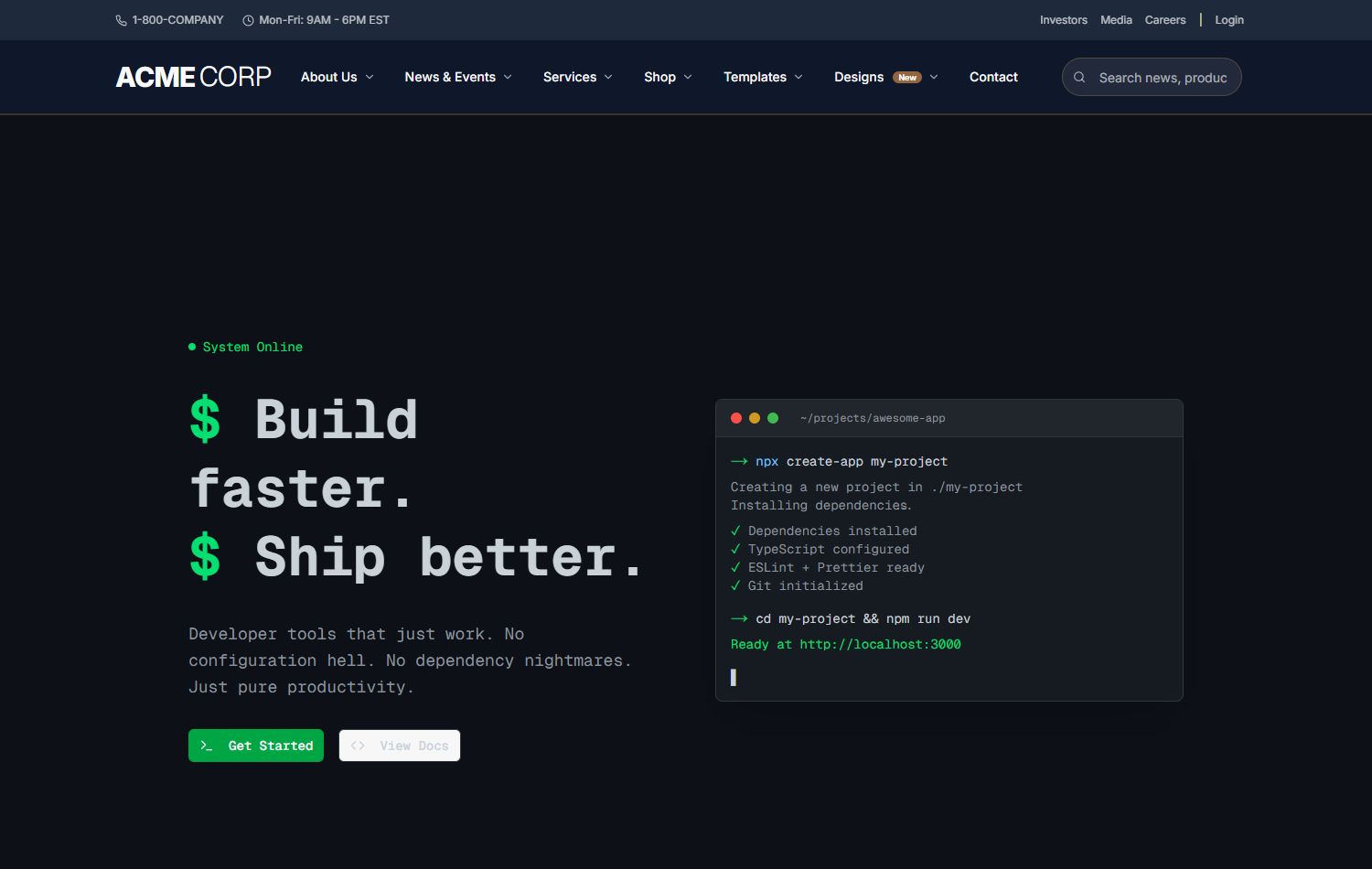
Dev Console
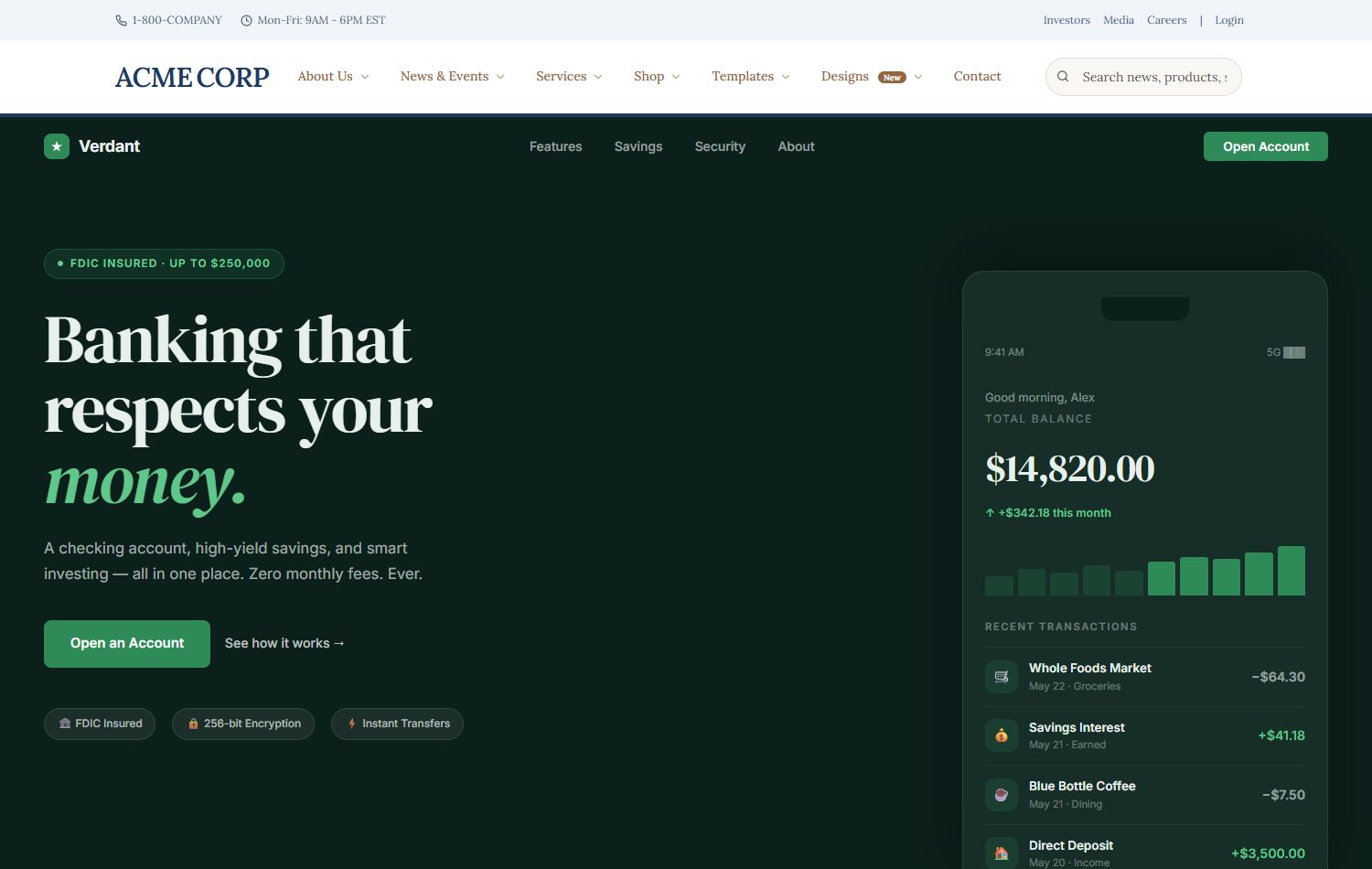
FinTech Trust
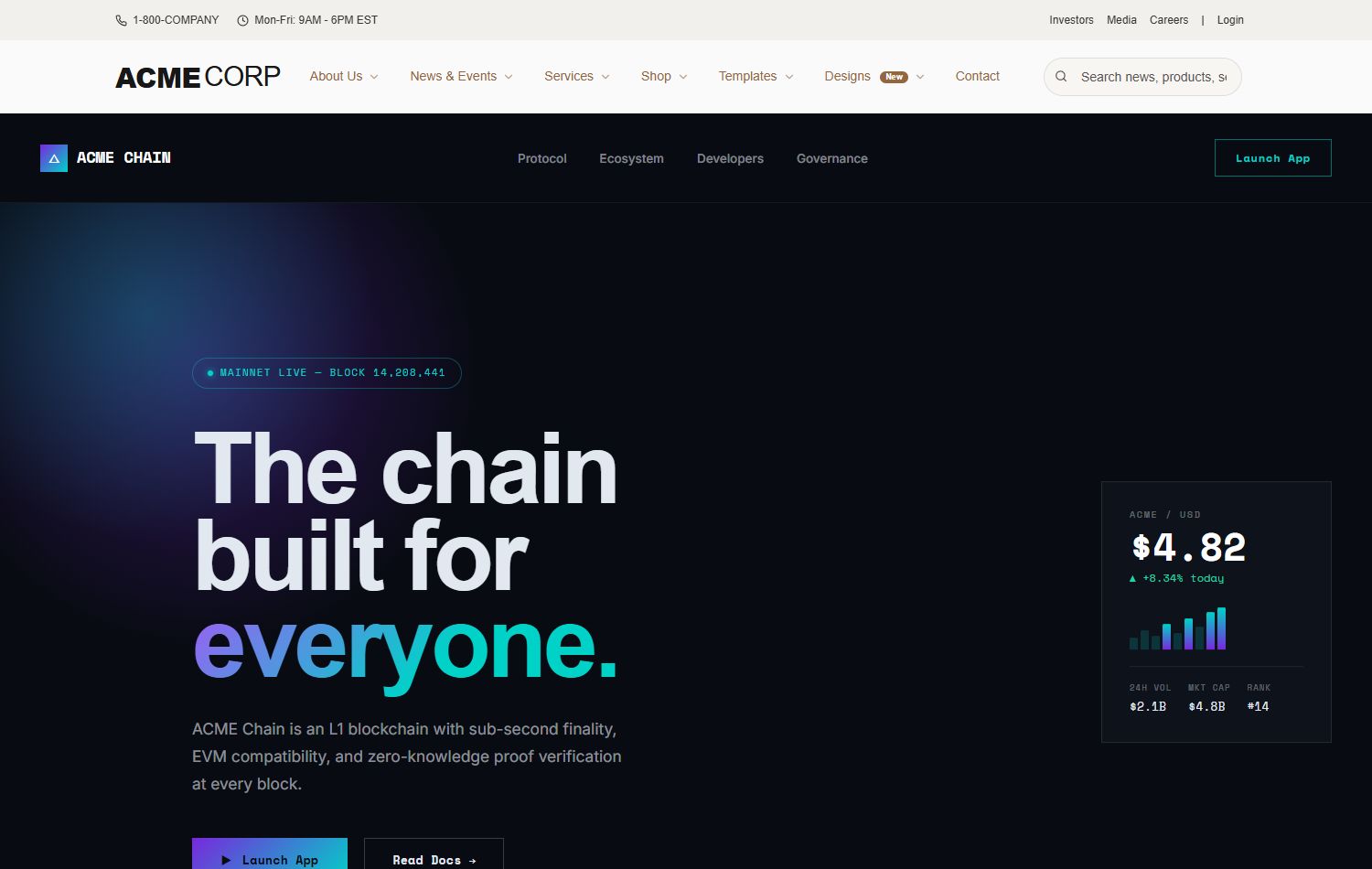
Web3 Portal
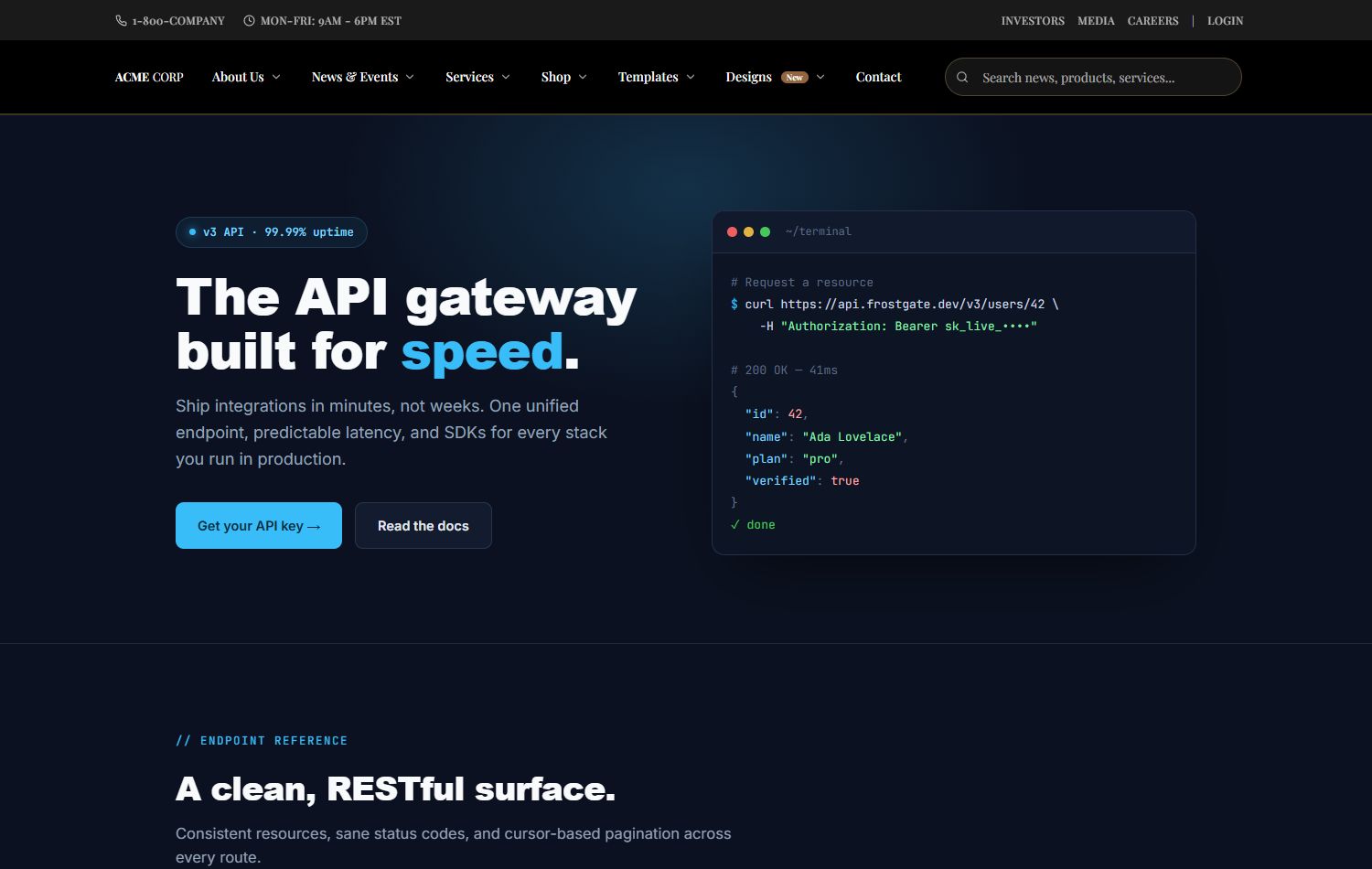
API Gateway
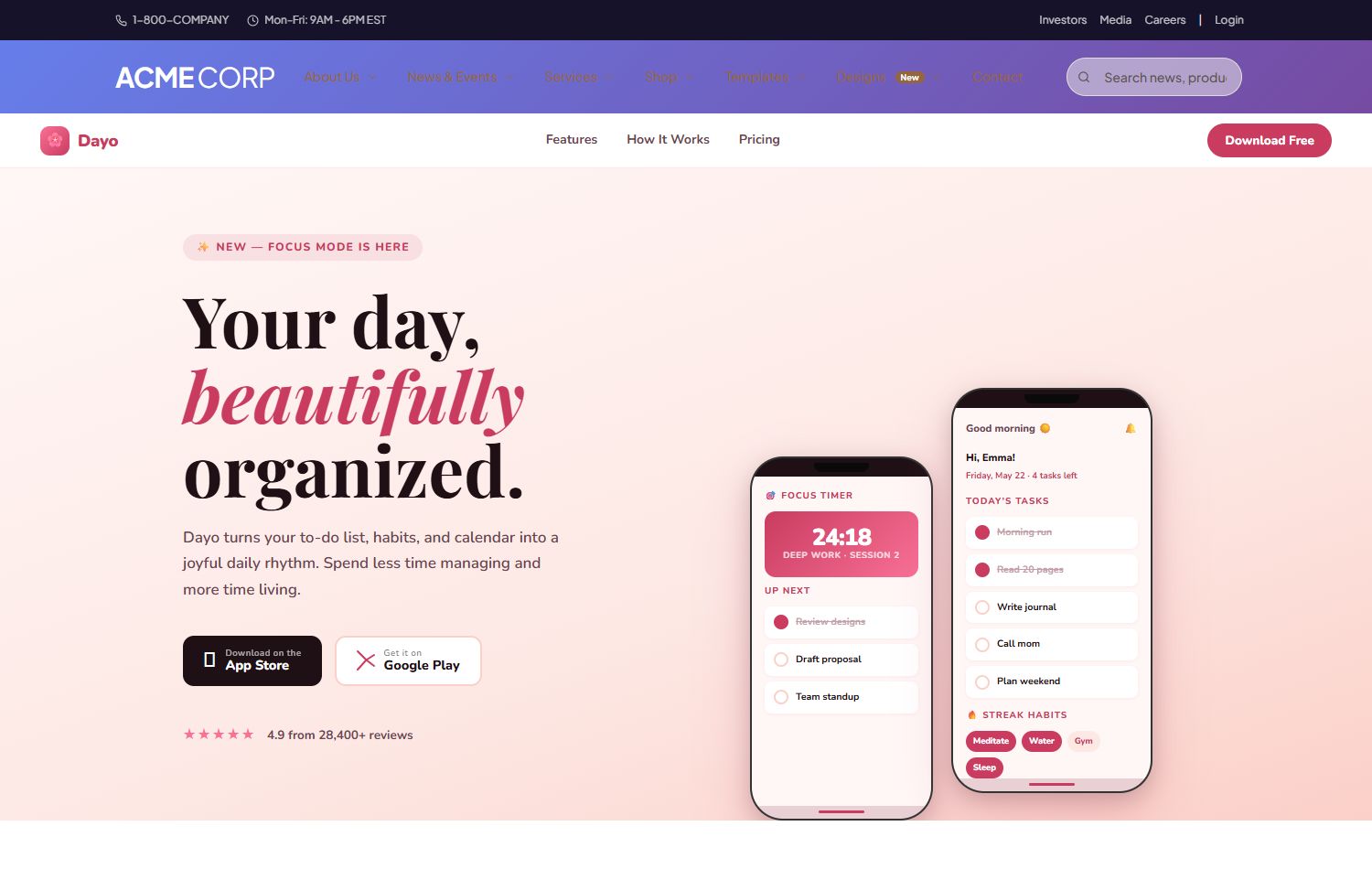
Mobile App
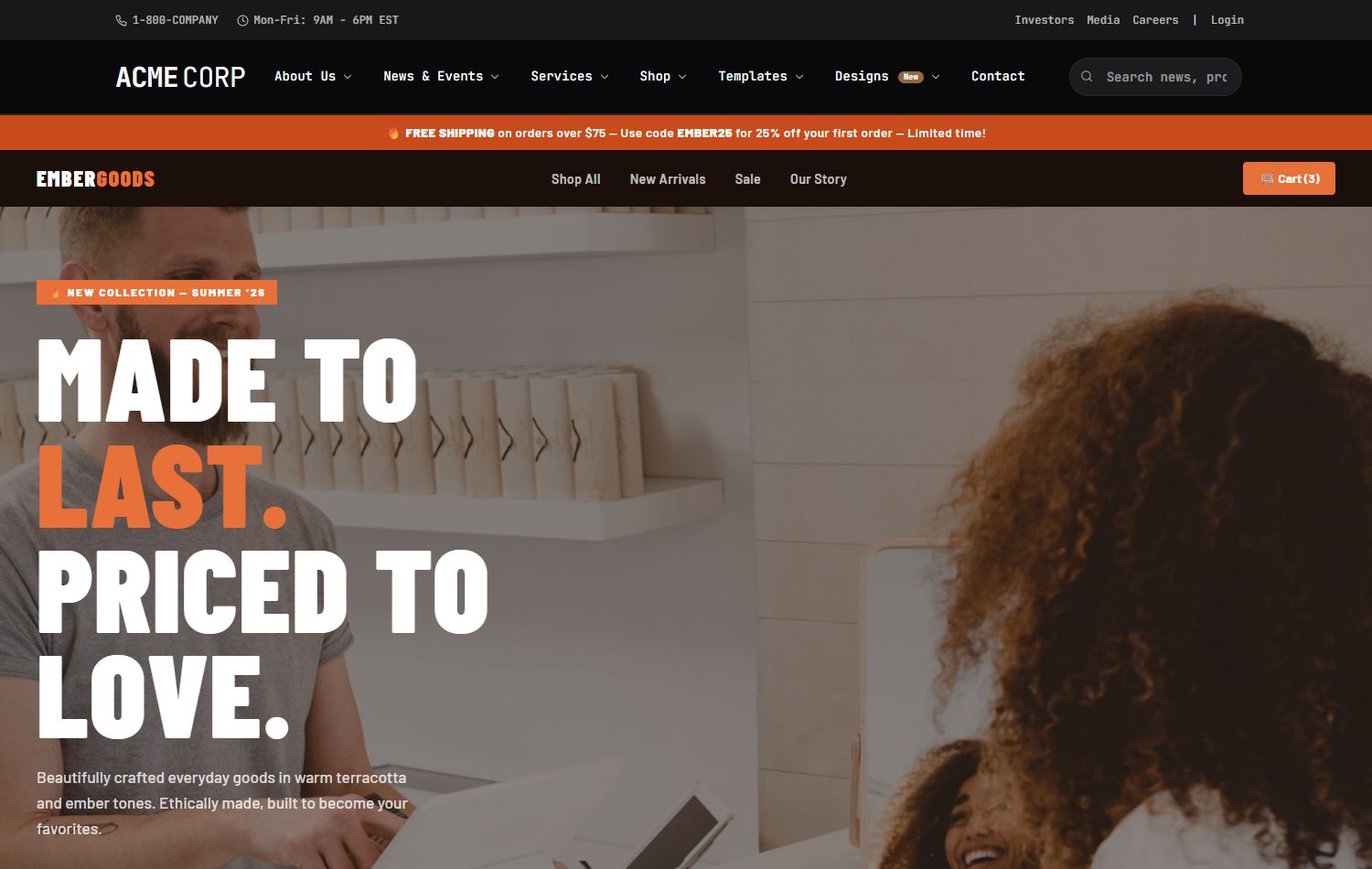
DTC Brand
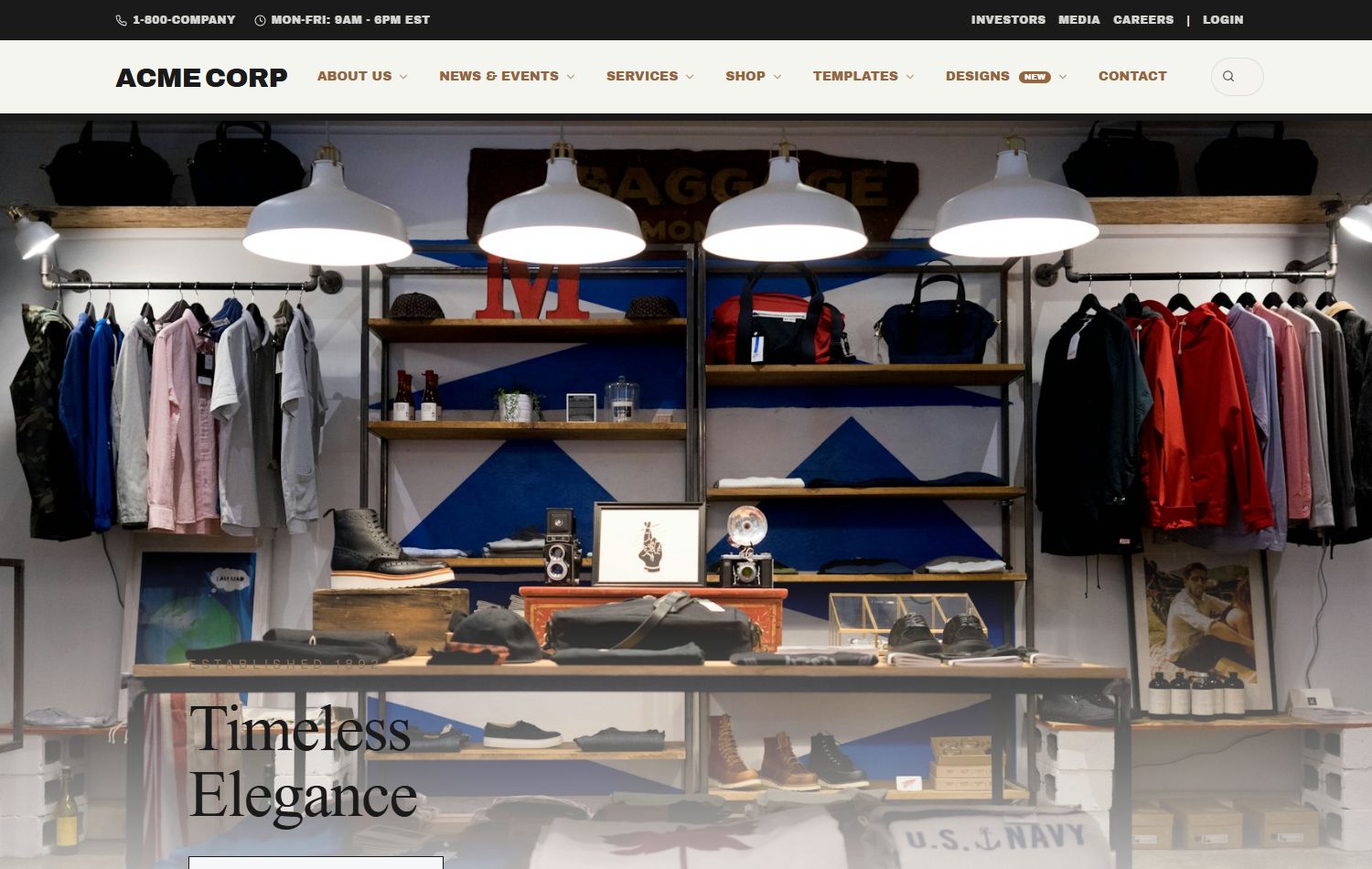
Luxury Brand
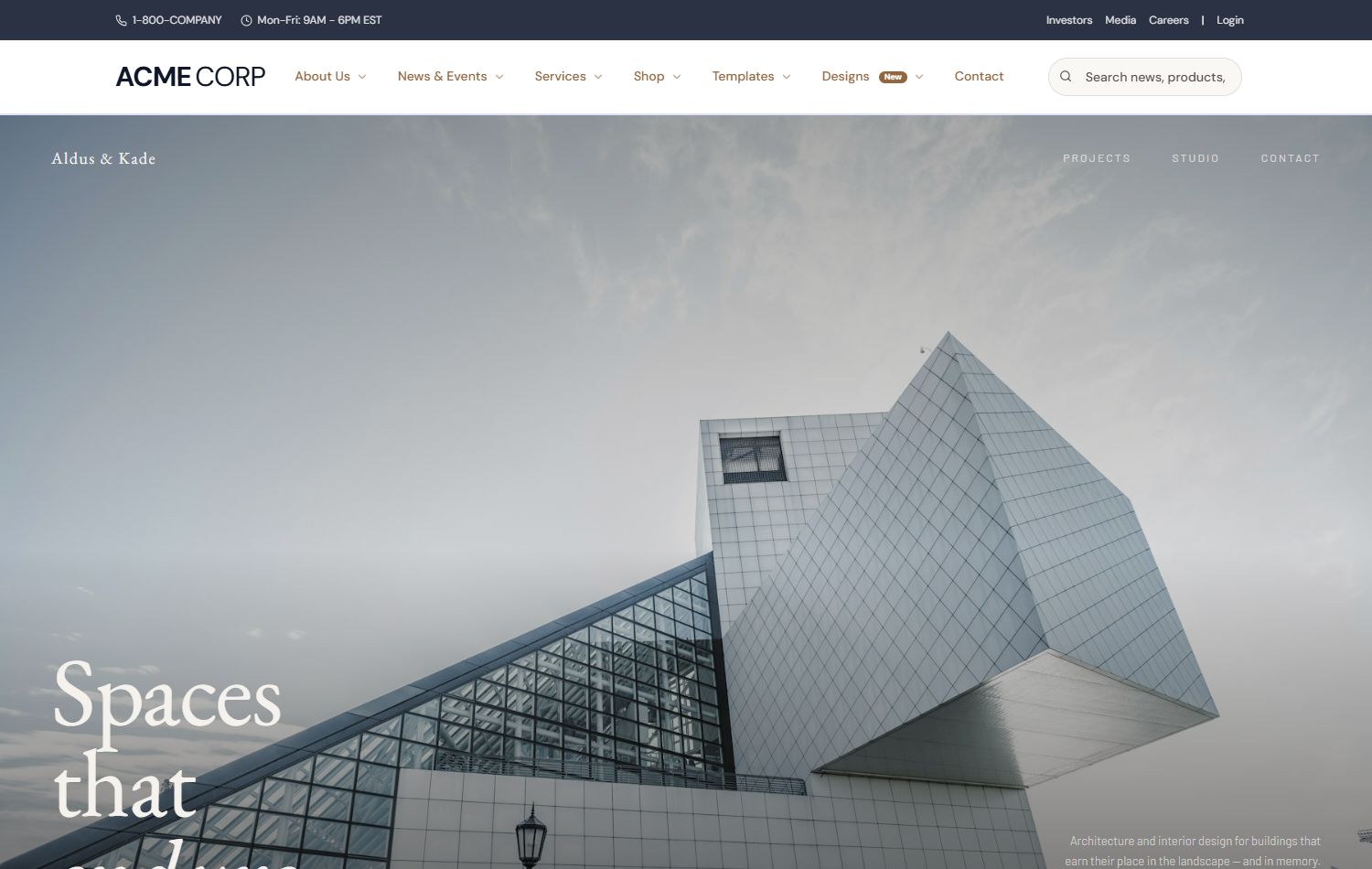
Architecture
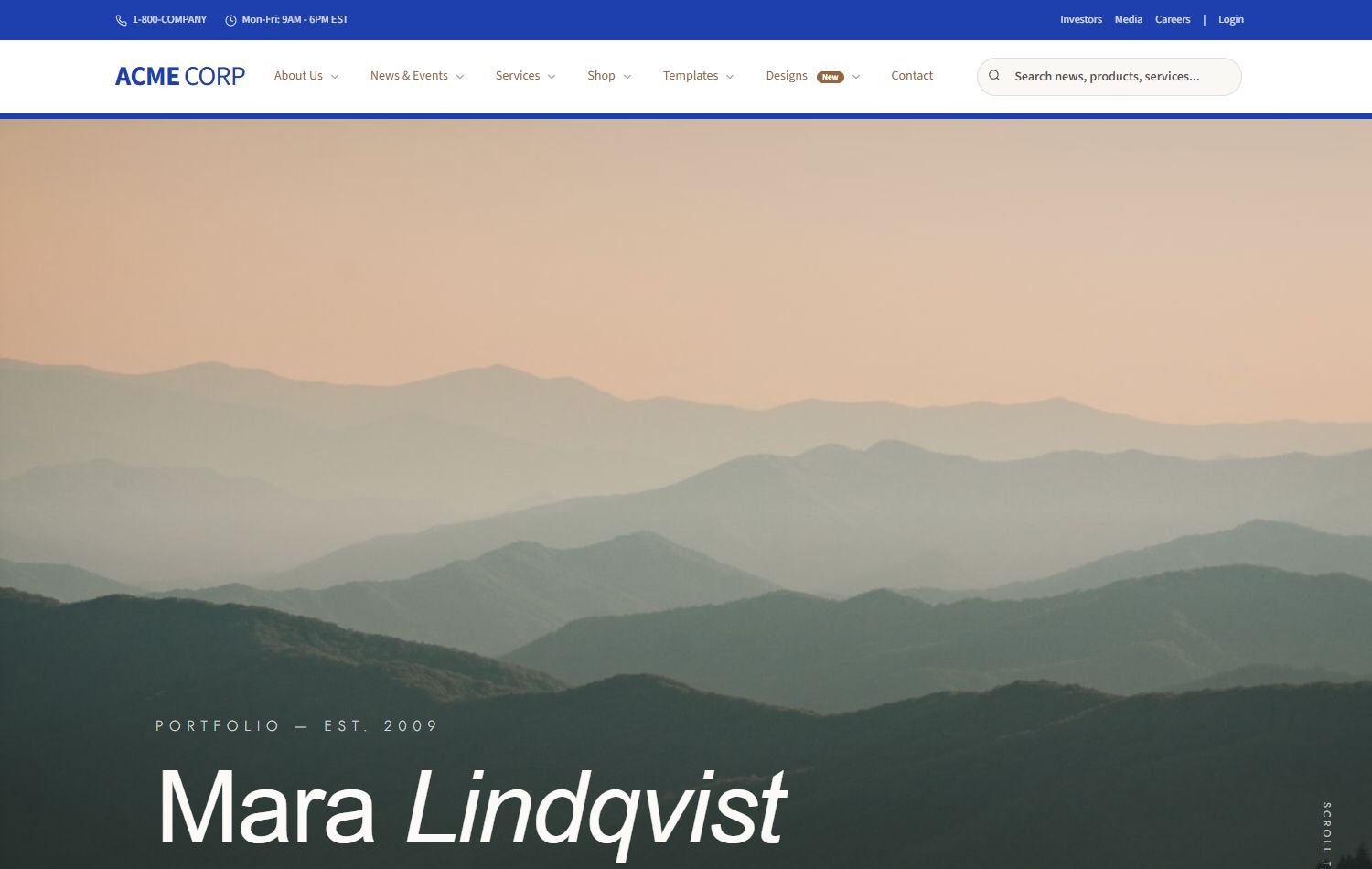
Photography
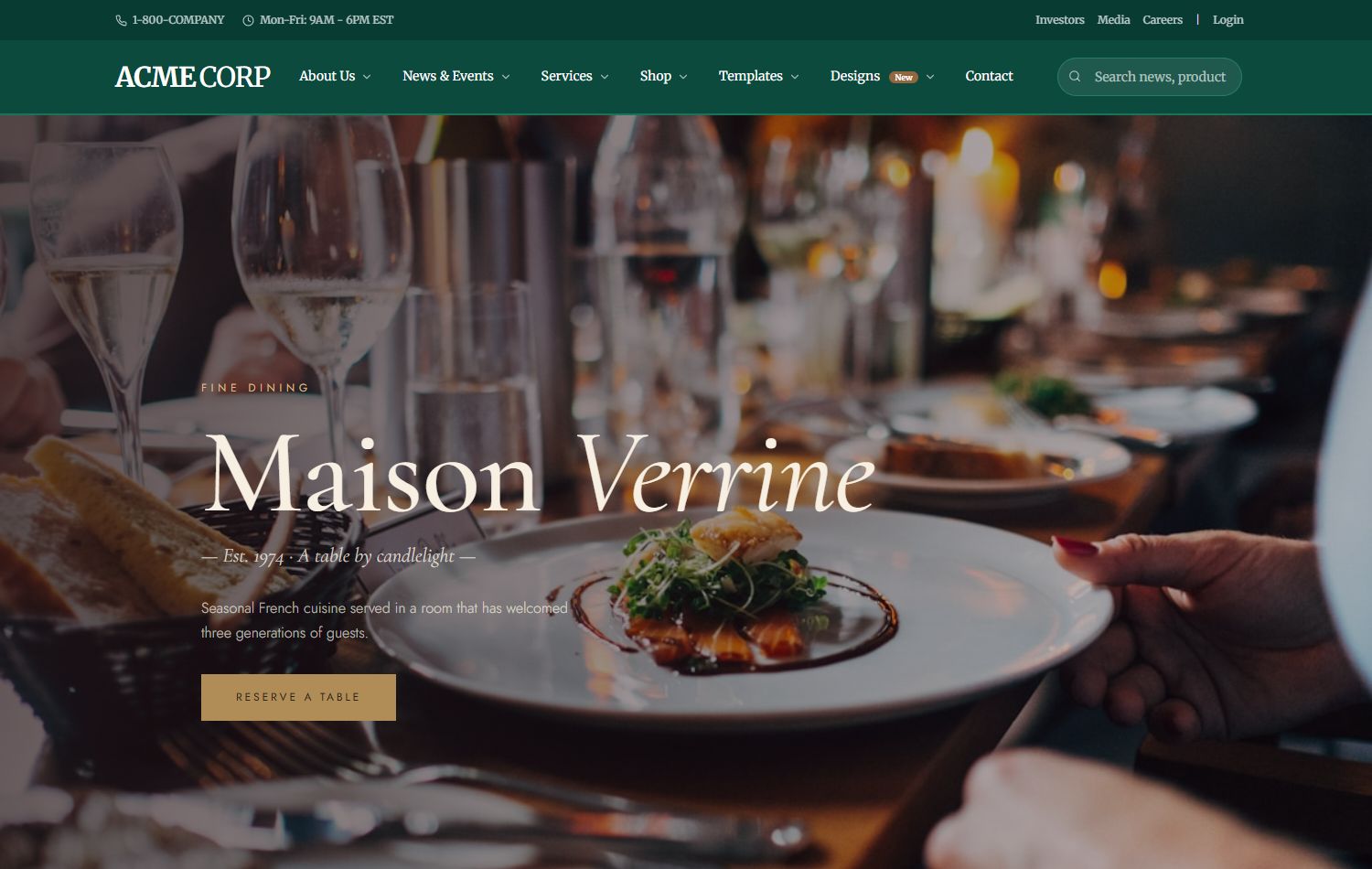
Fine Dining
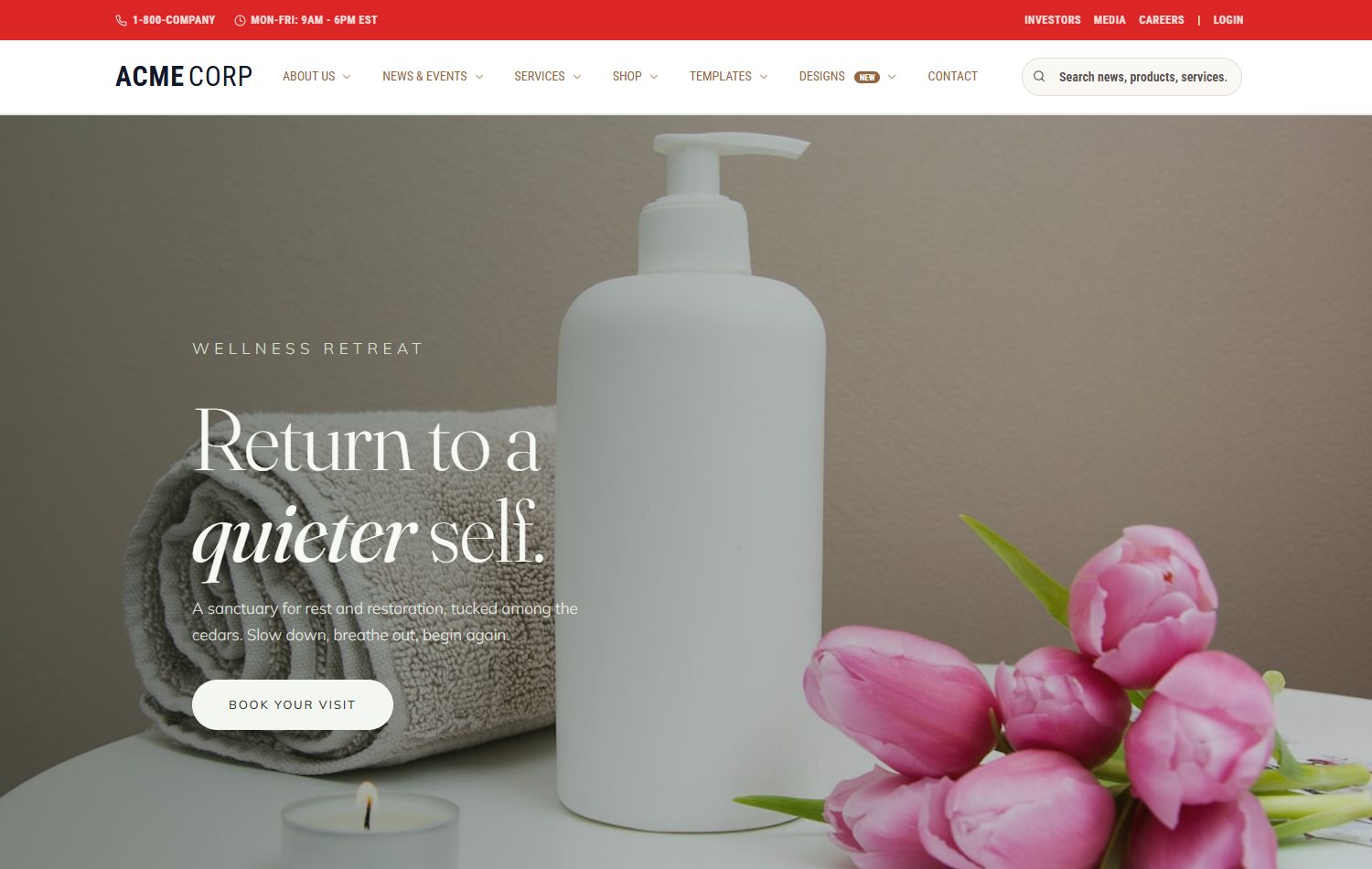
Wellness Spa
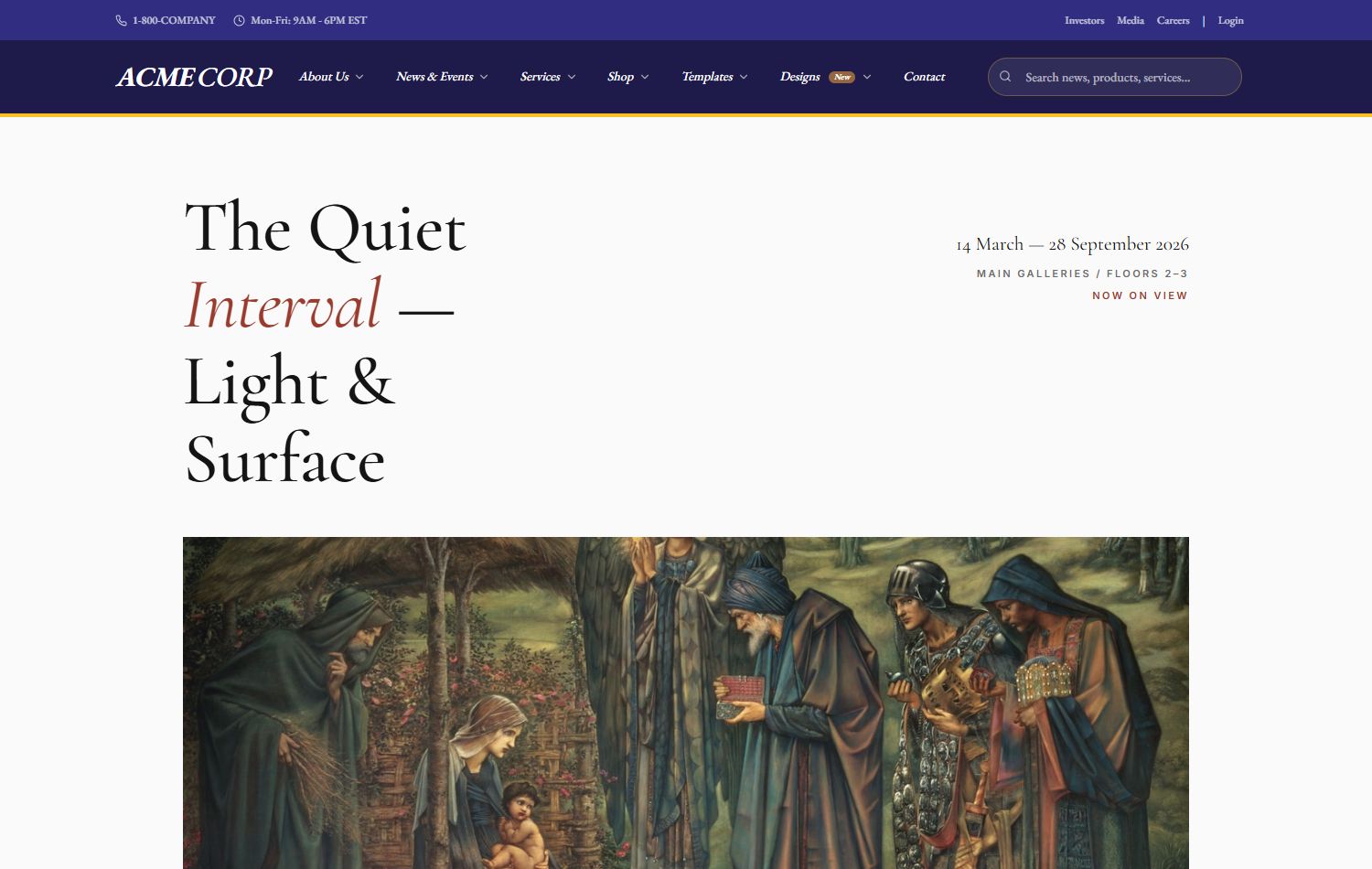
Art Gallery
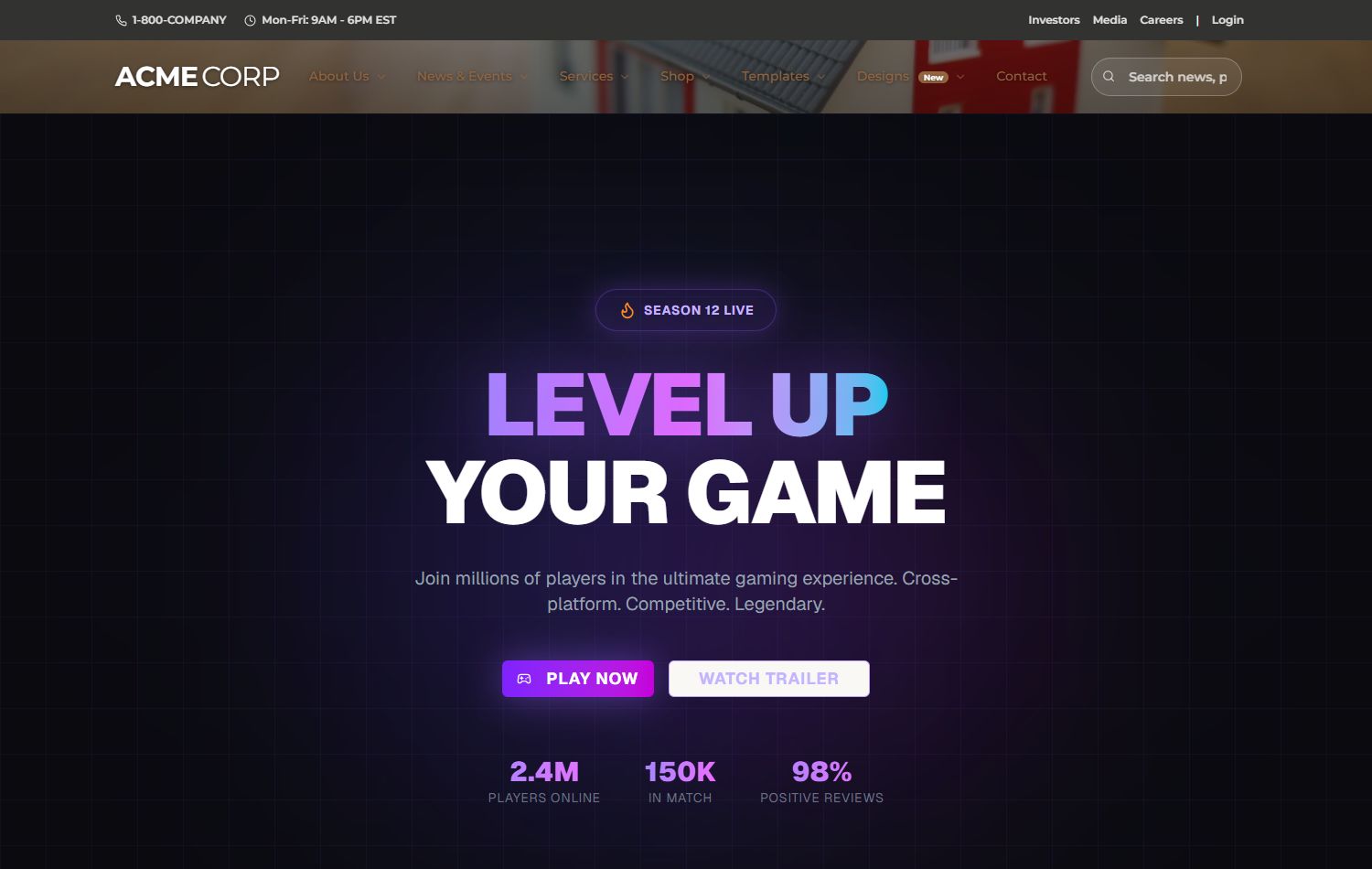
Neon Gaming
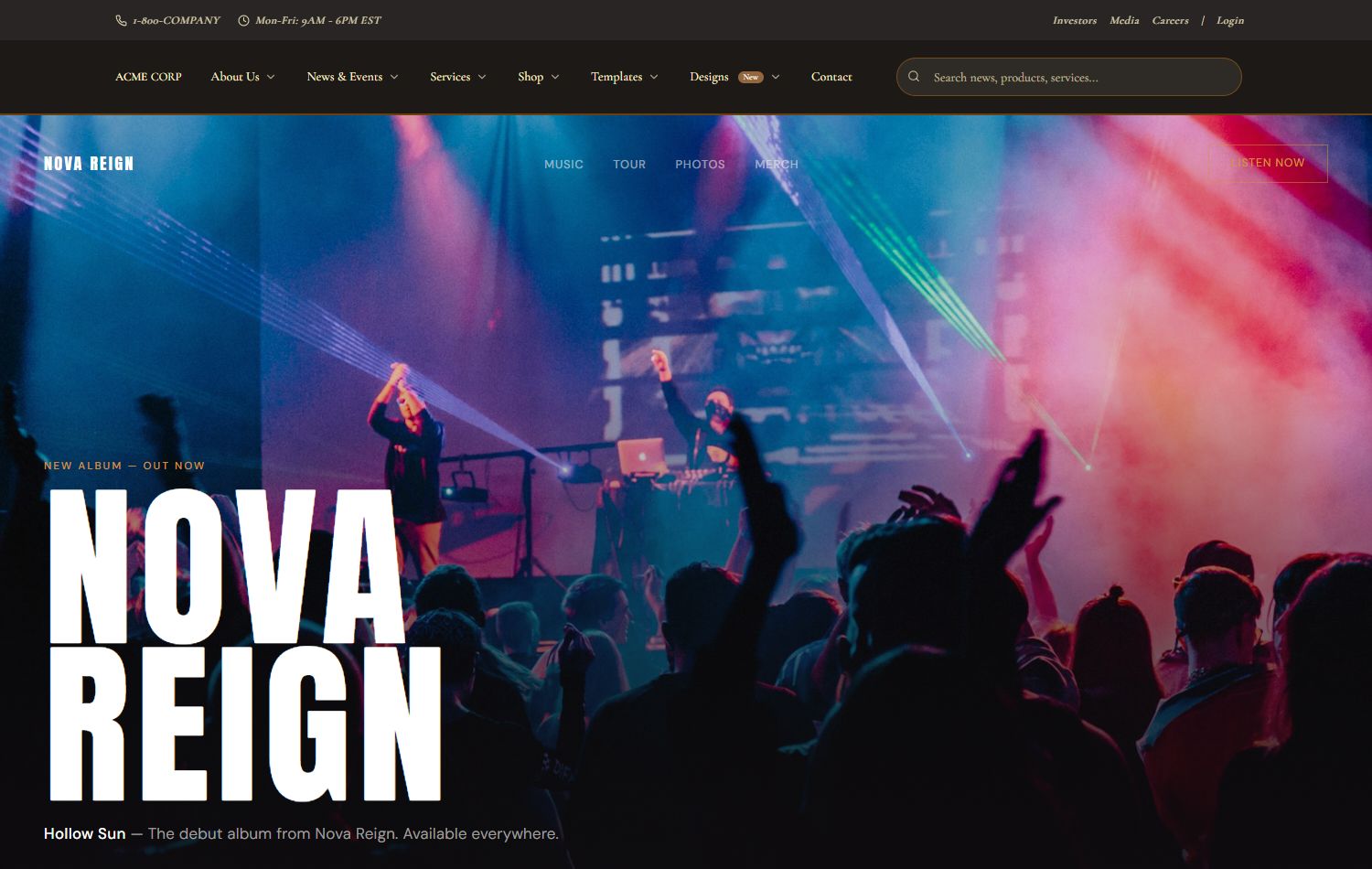
Music Artist
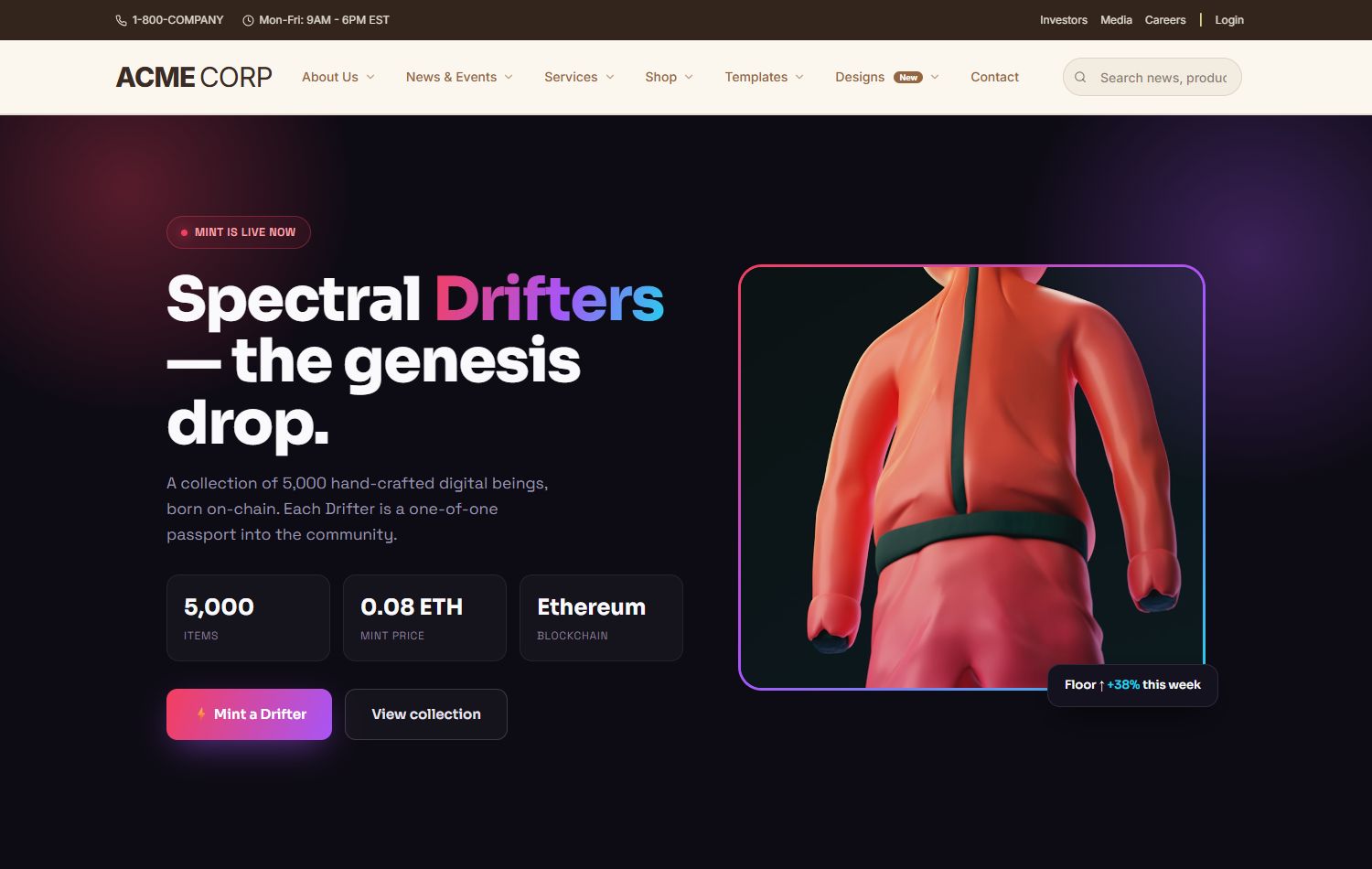
NFT Collection
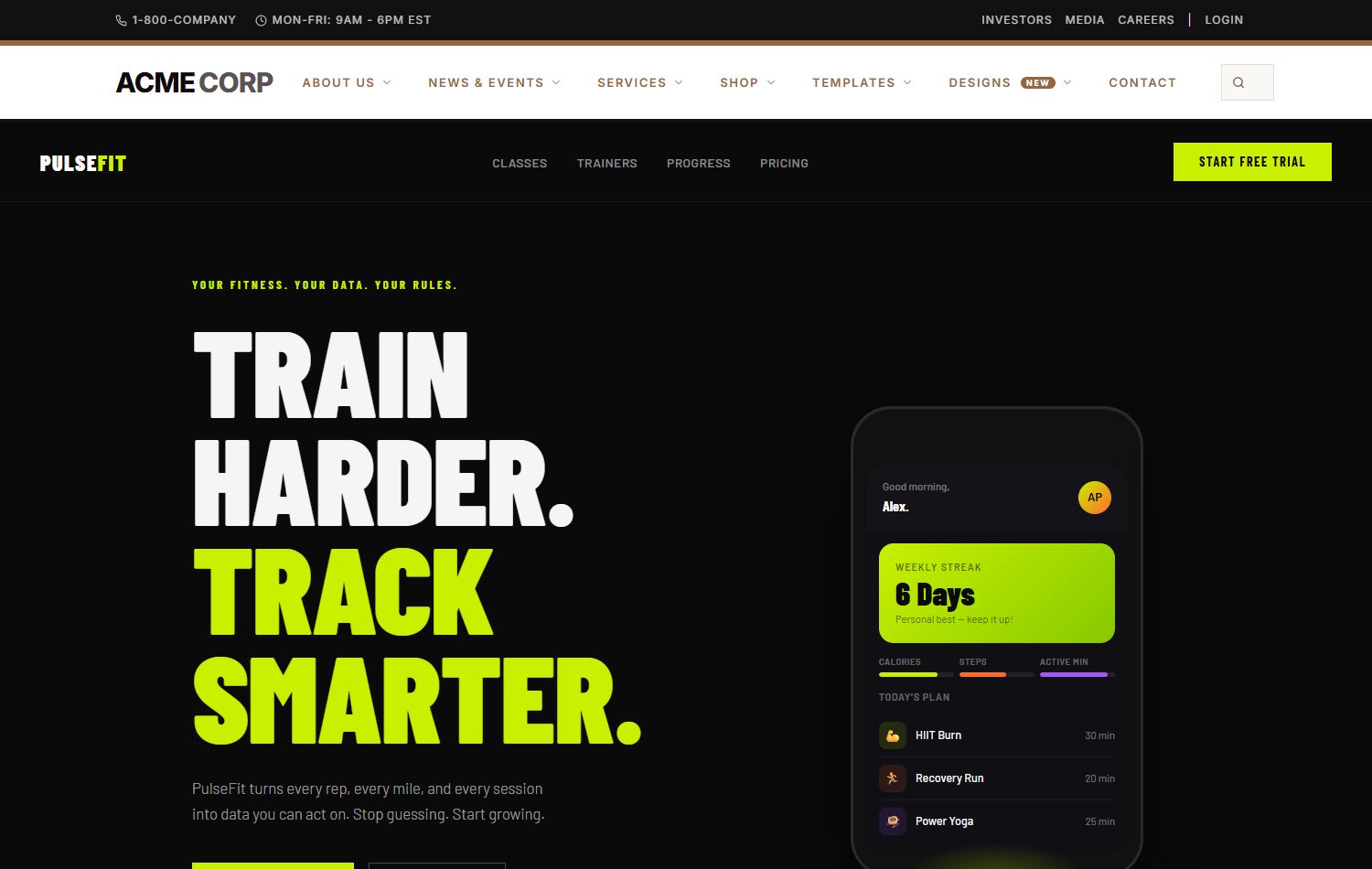
Fitness App
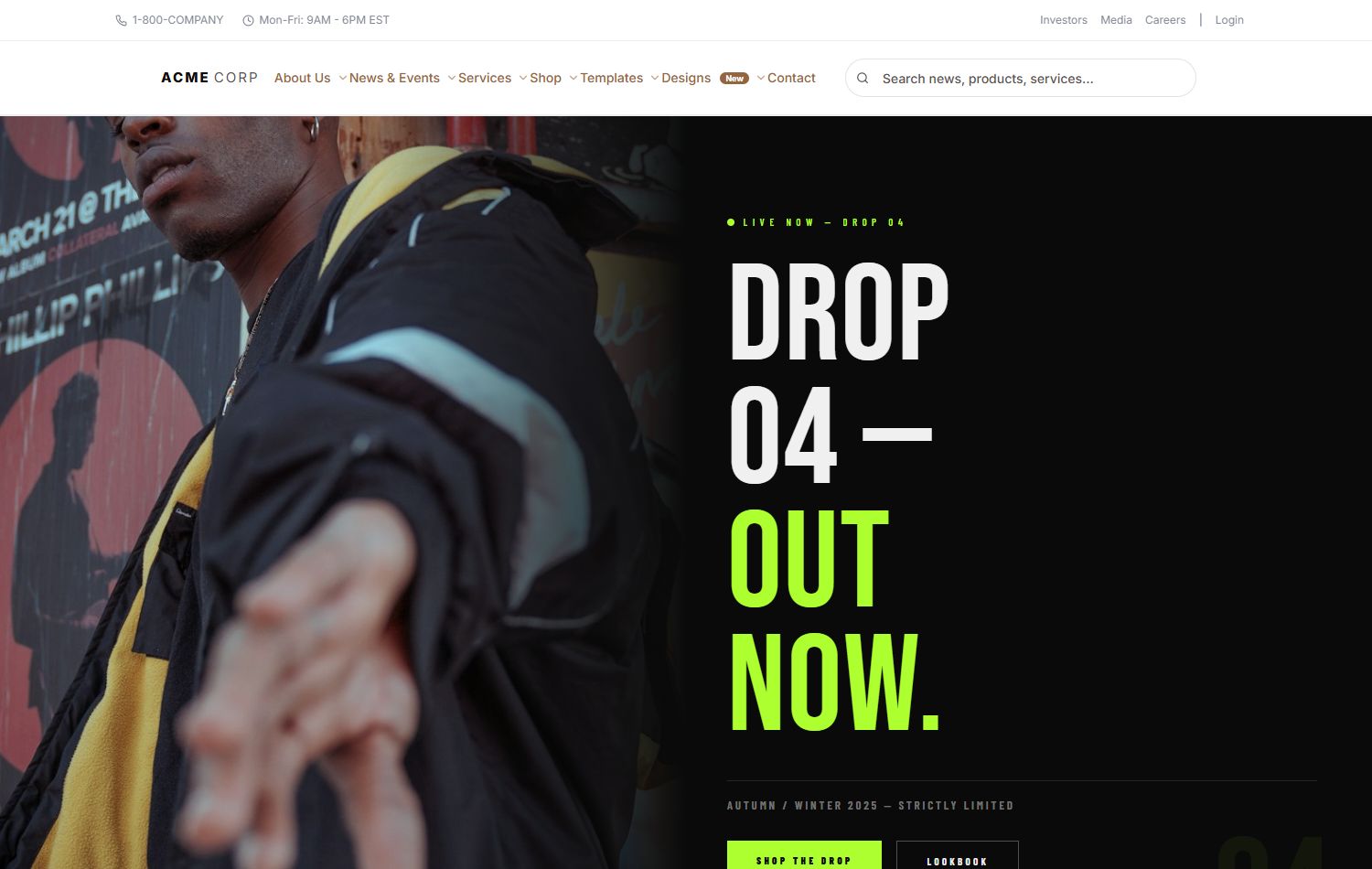
Streetwear
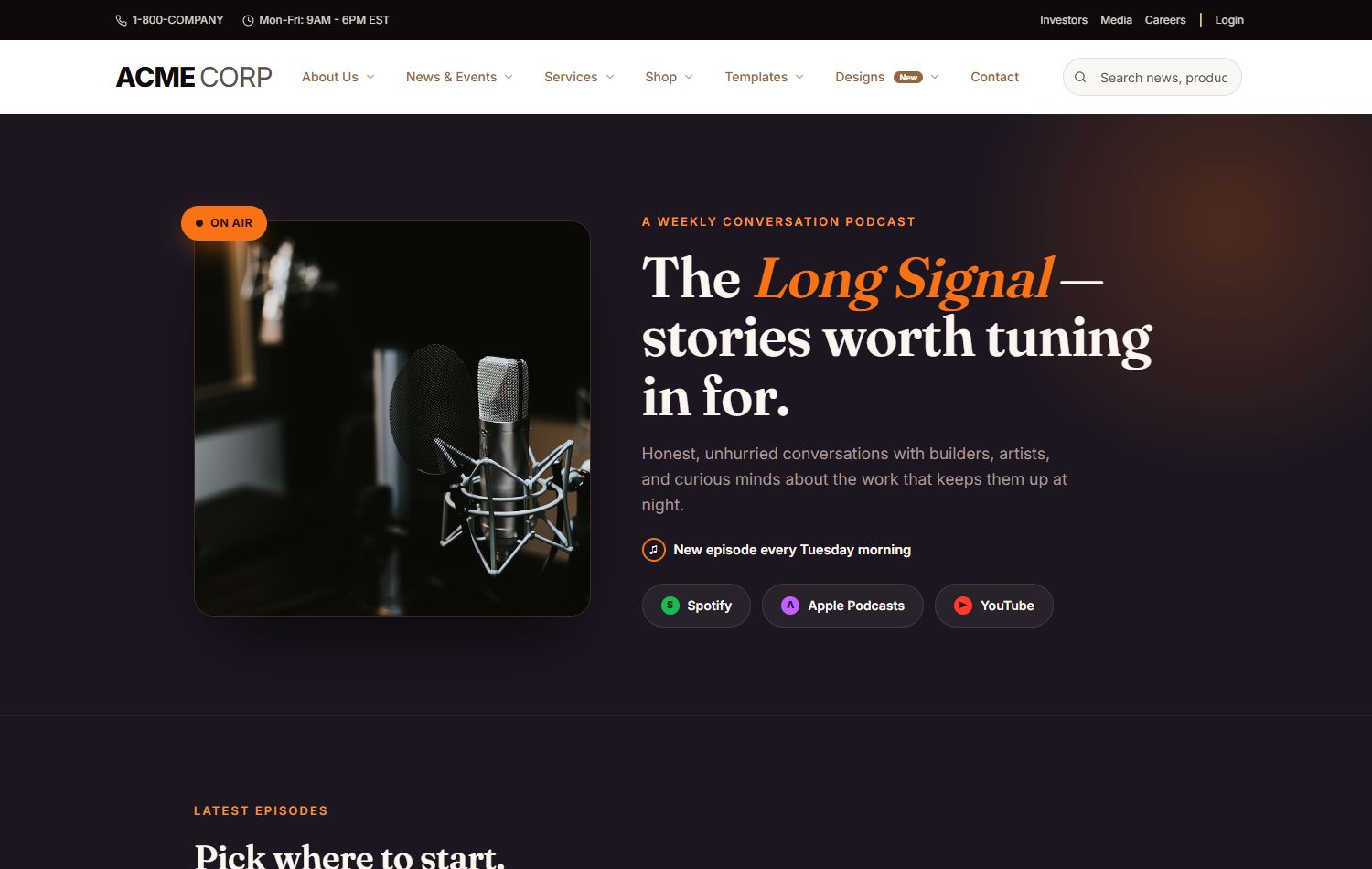
Podcast
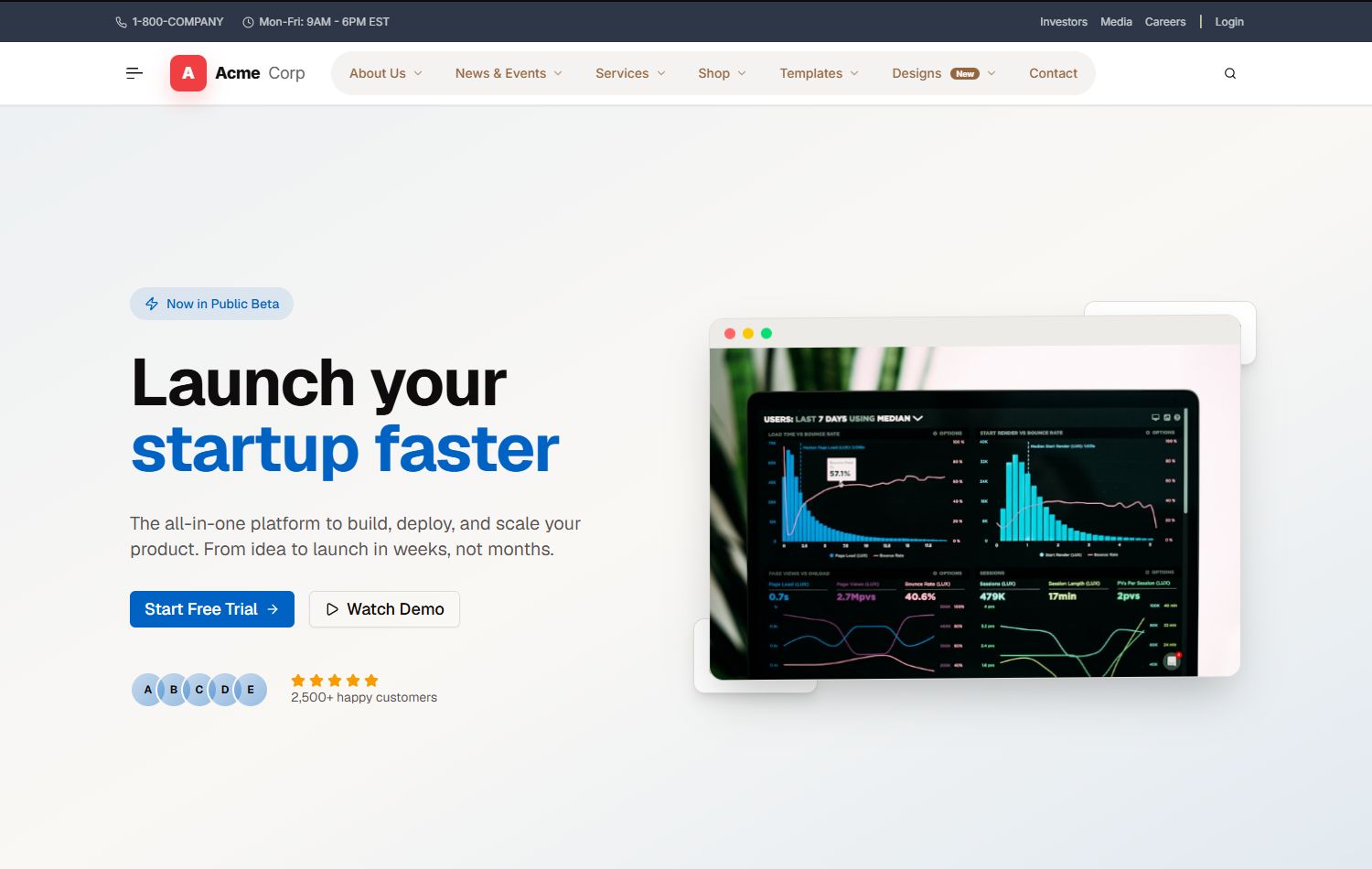
Startup Launch
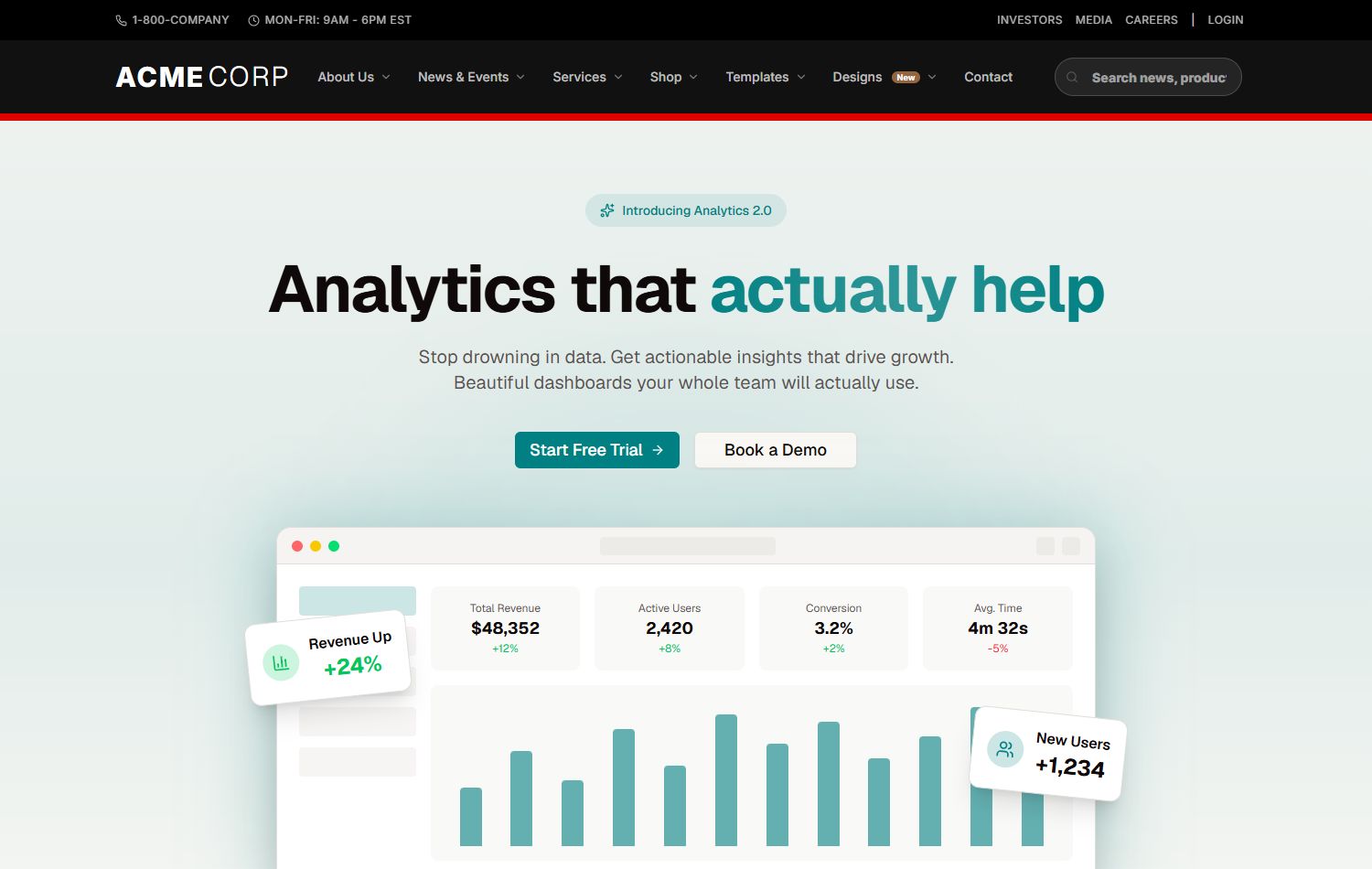
SaaS Dashboard
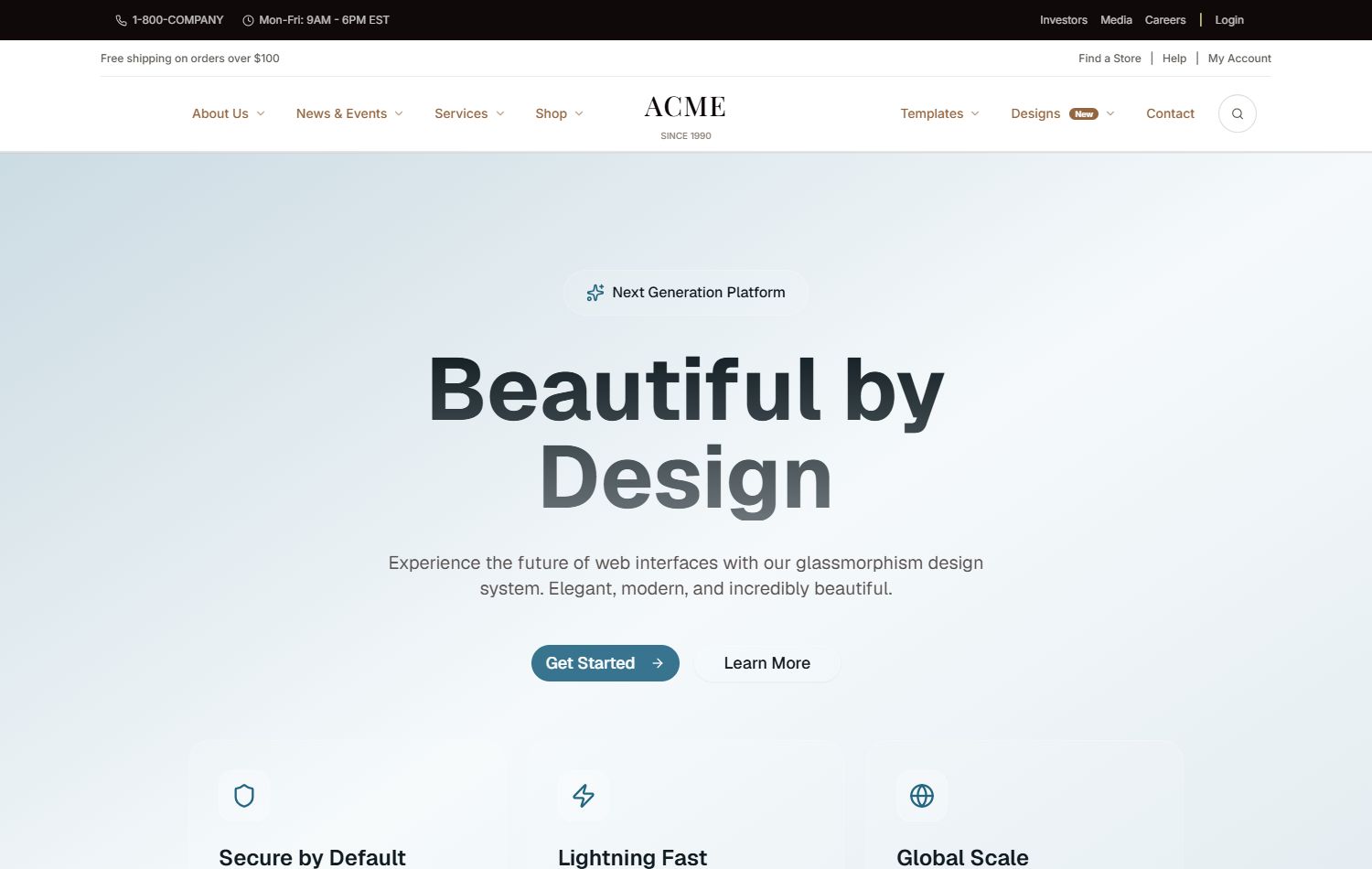
Glass UI
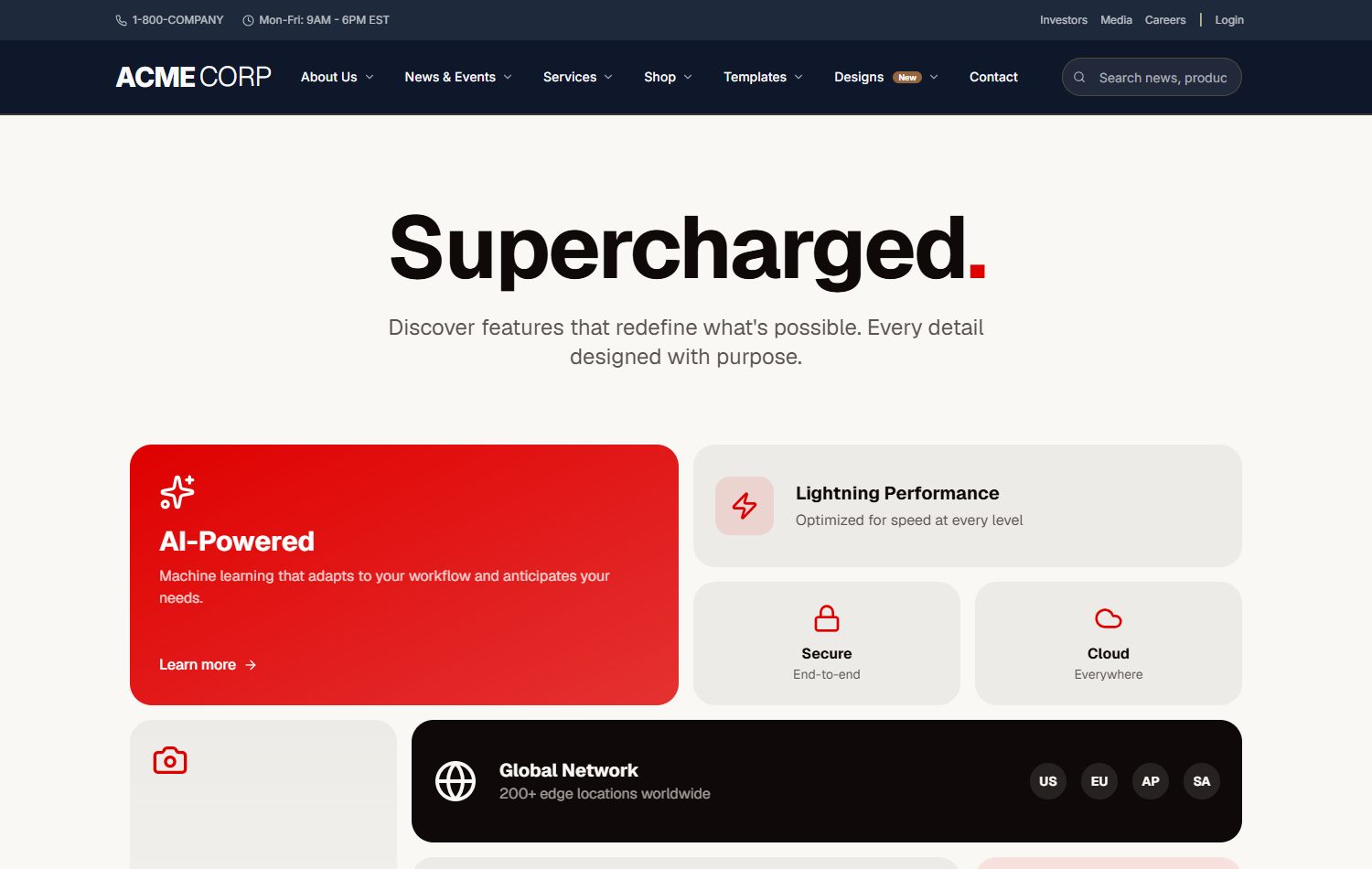
Bento Layout
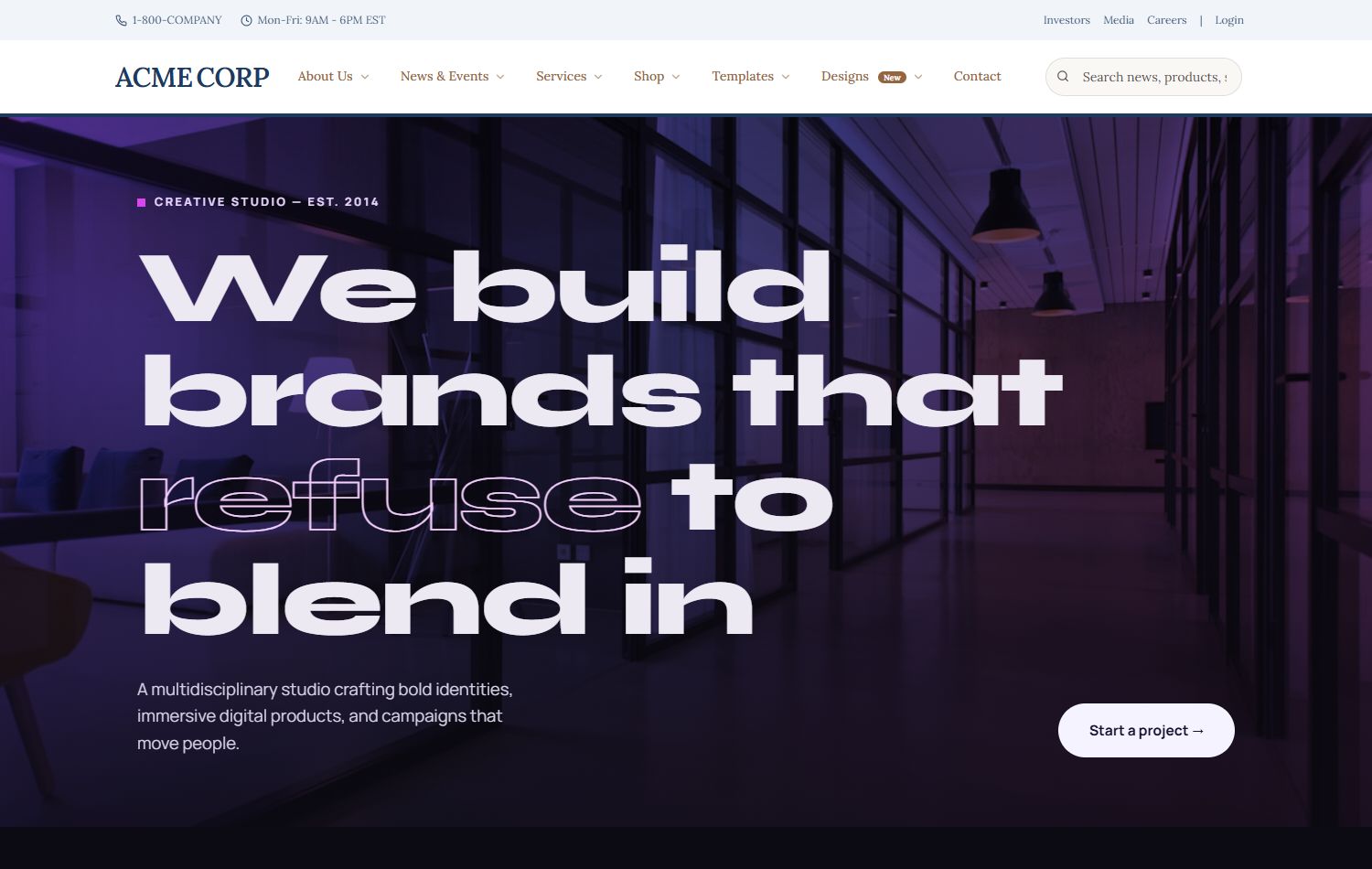
Agency Showcase
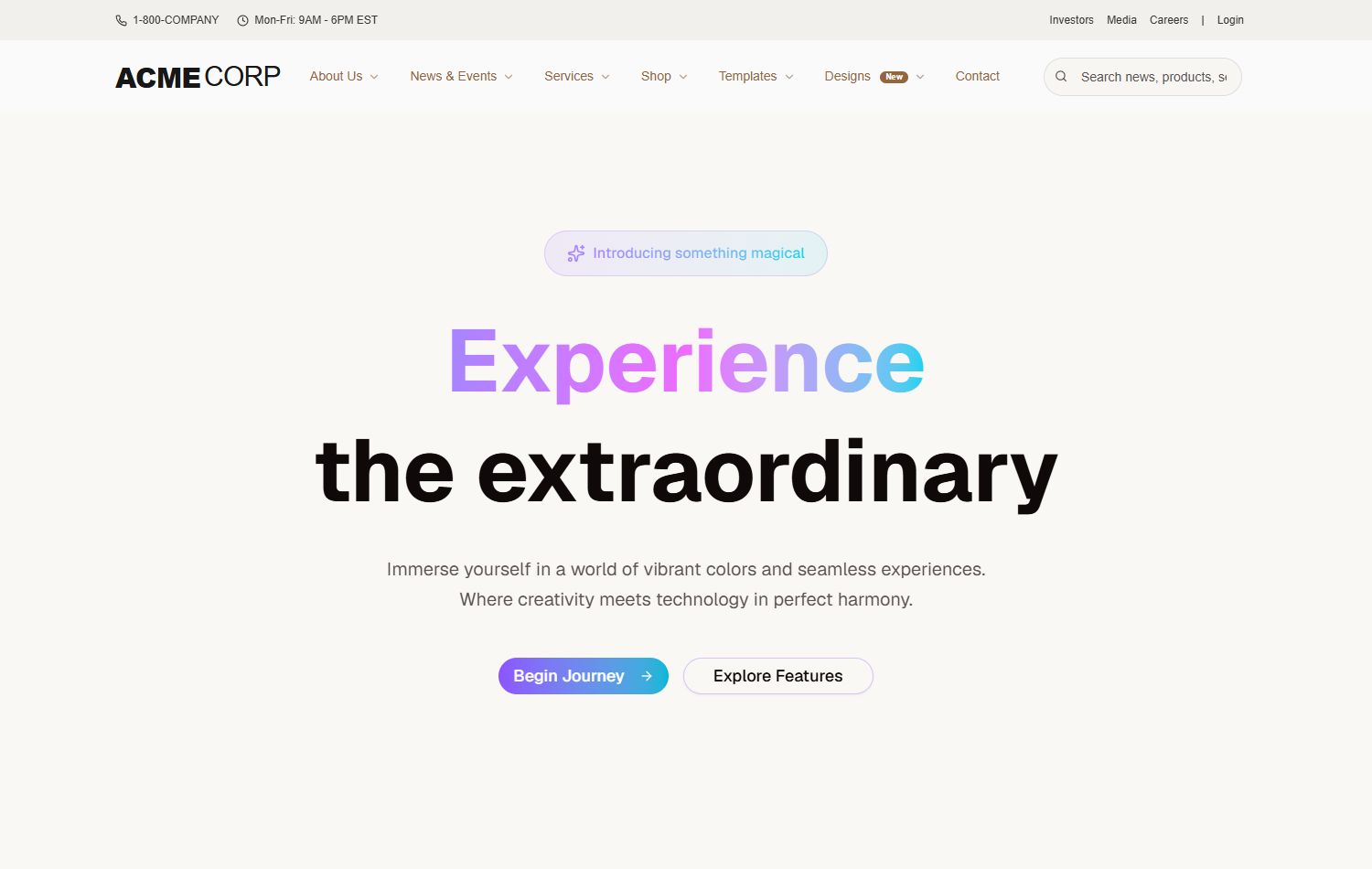
AI Neural
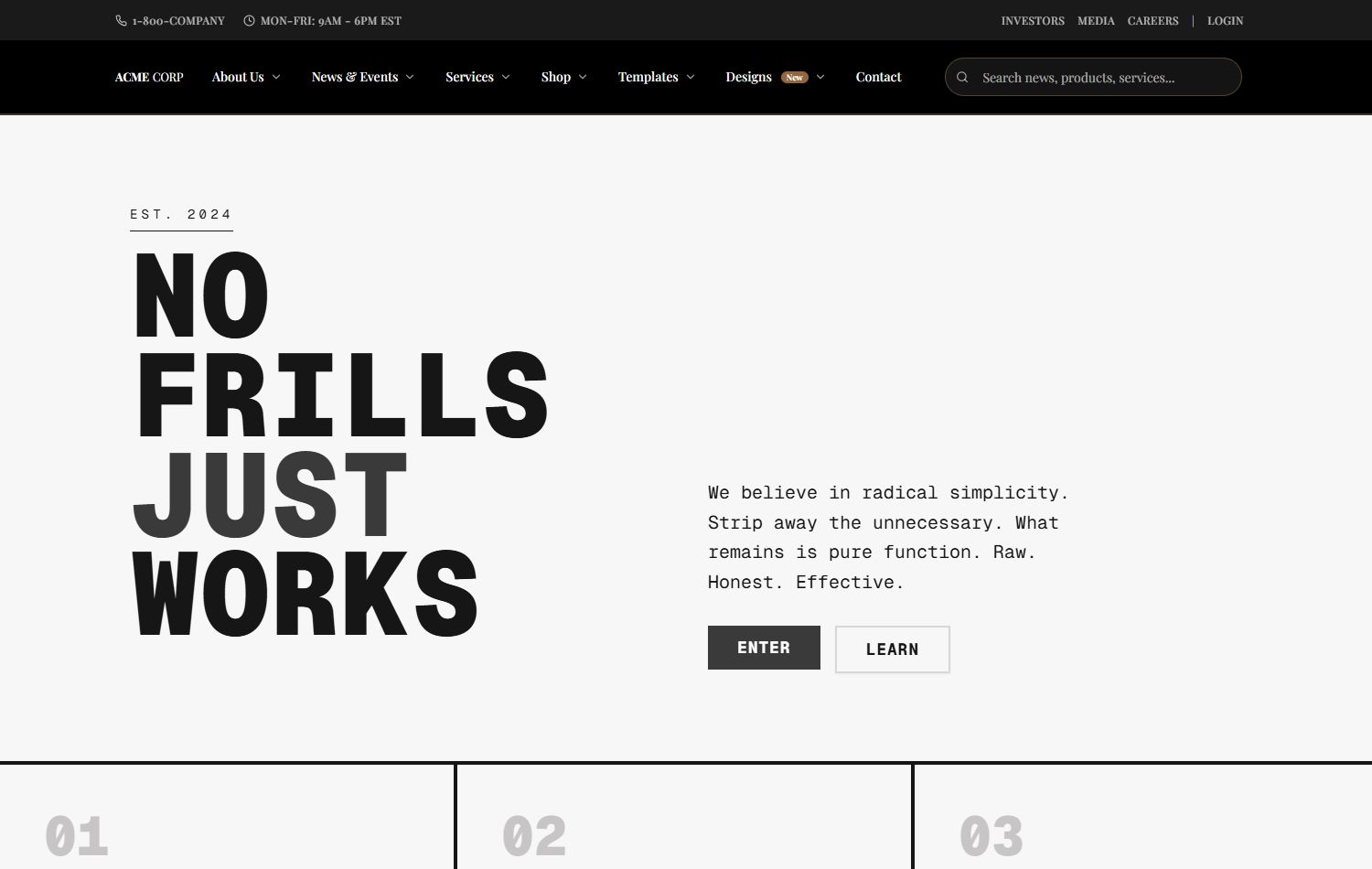
Brutalist
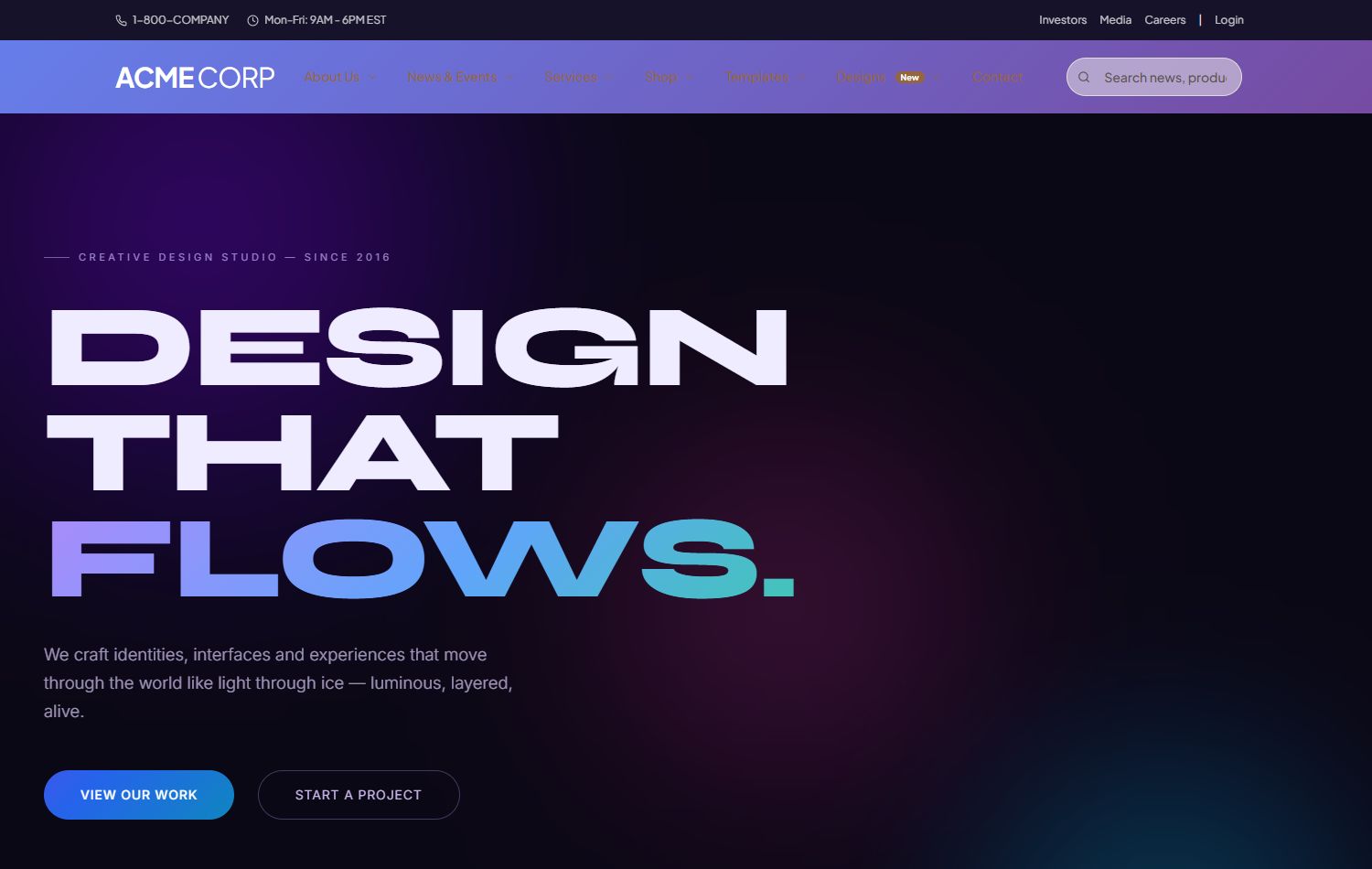
Aurora Gradient
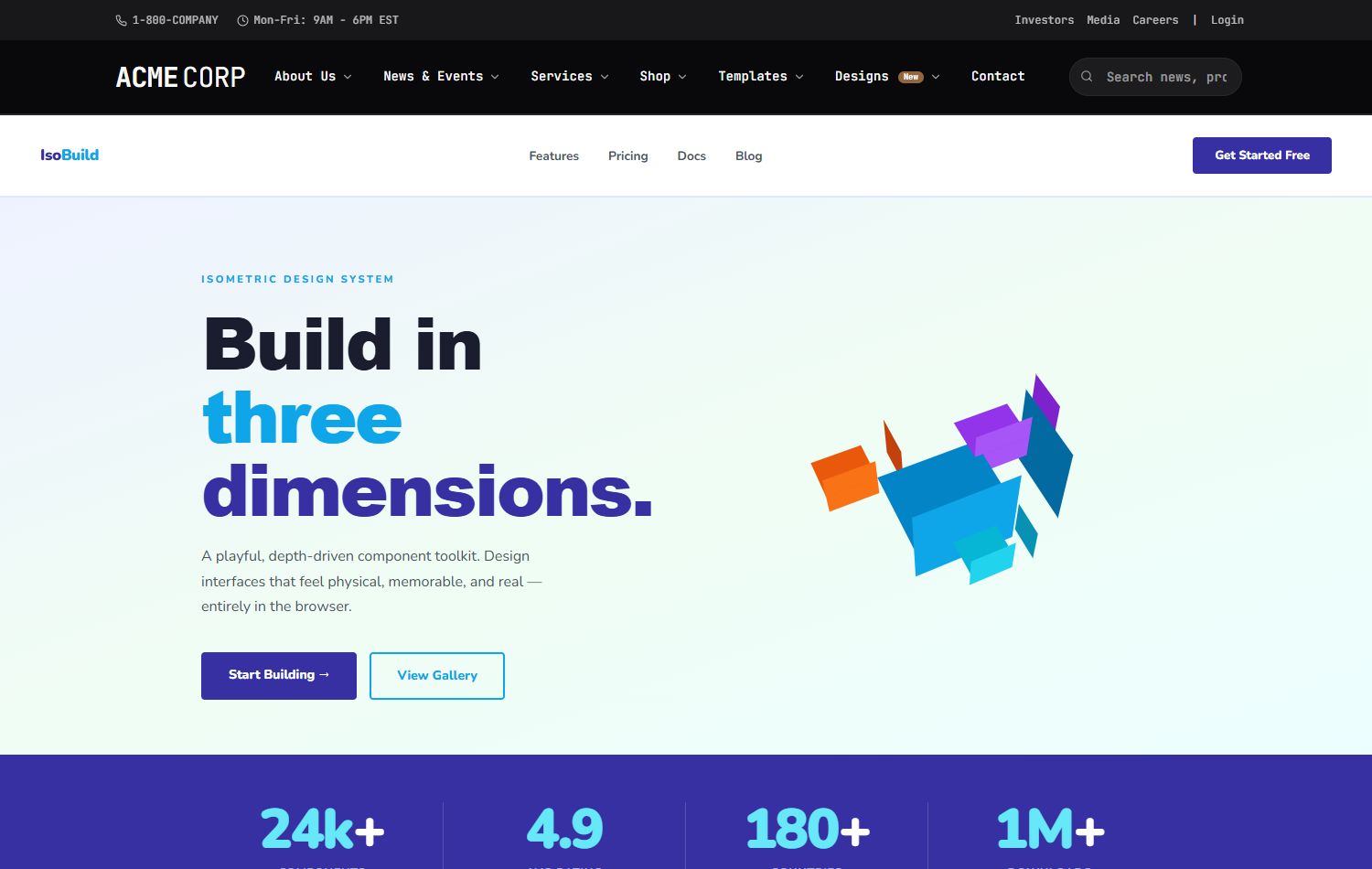
Isometric 3D
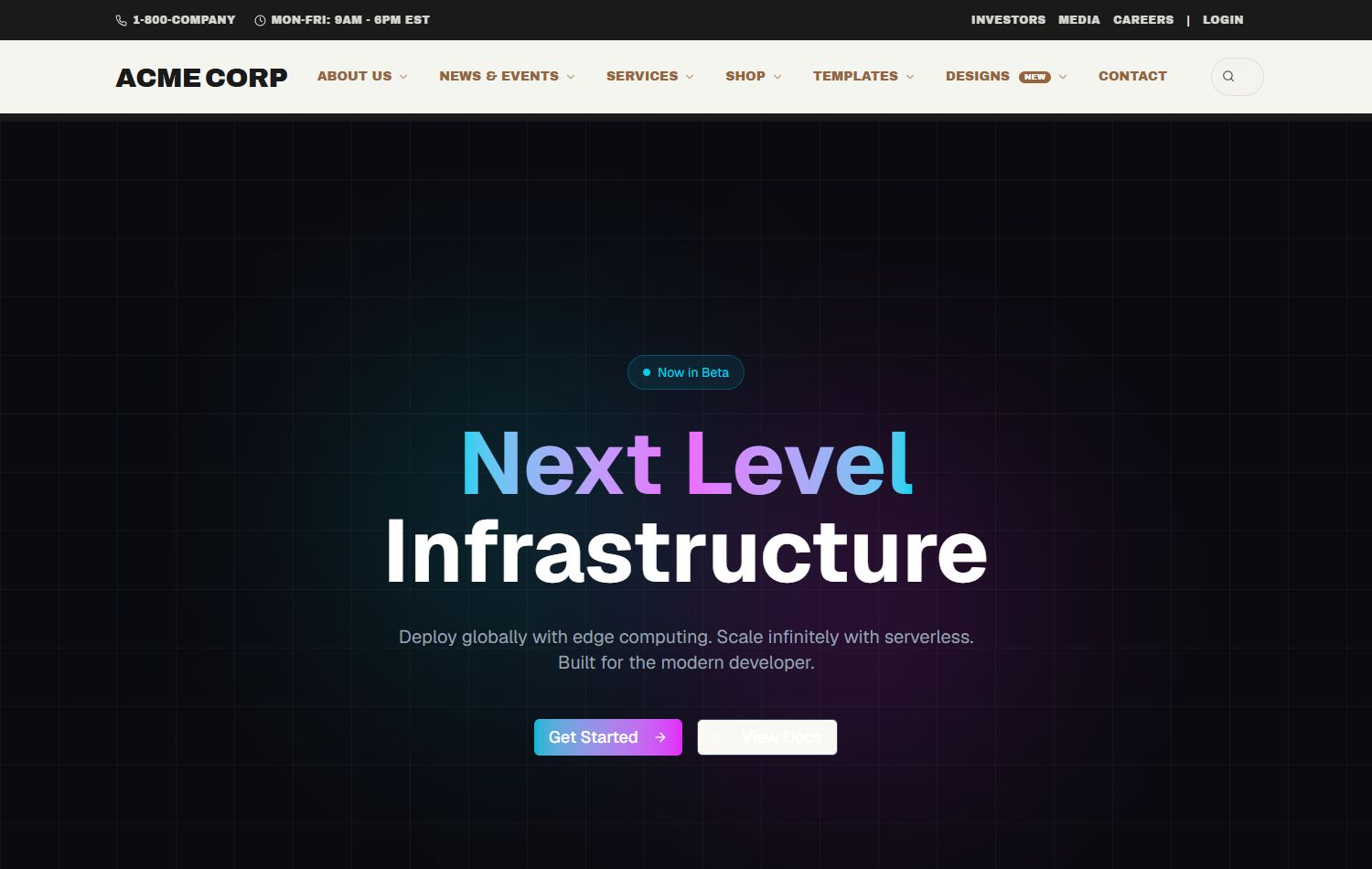
Dark Neon
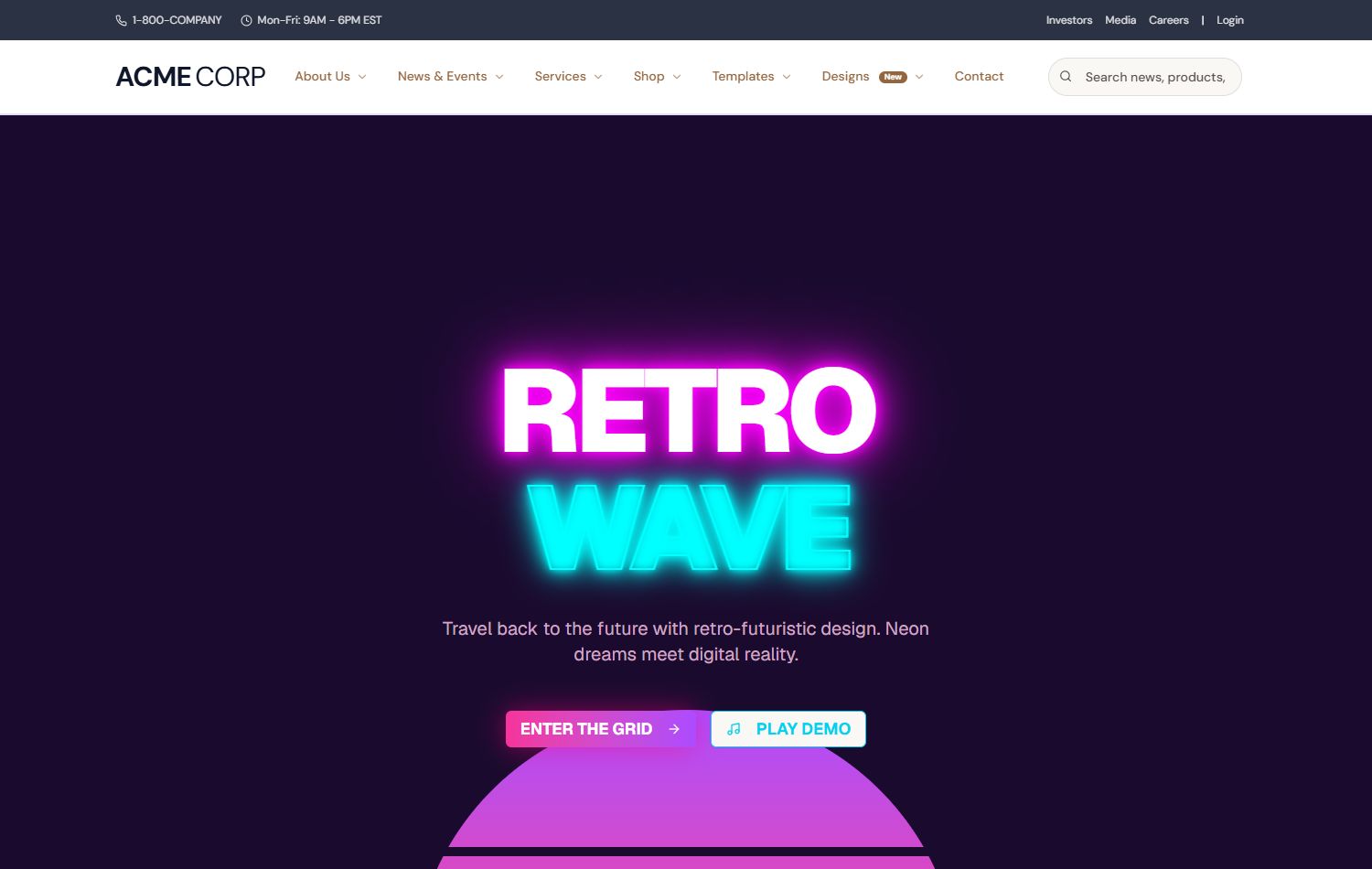
Retro 80s
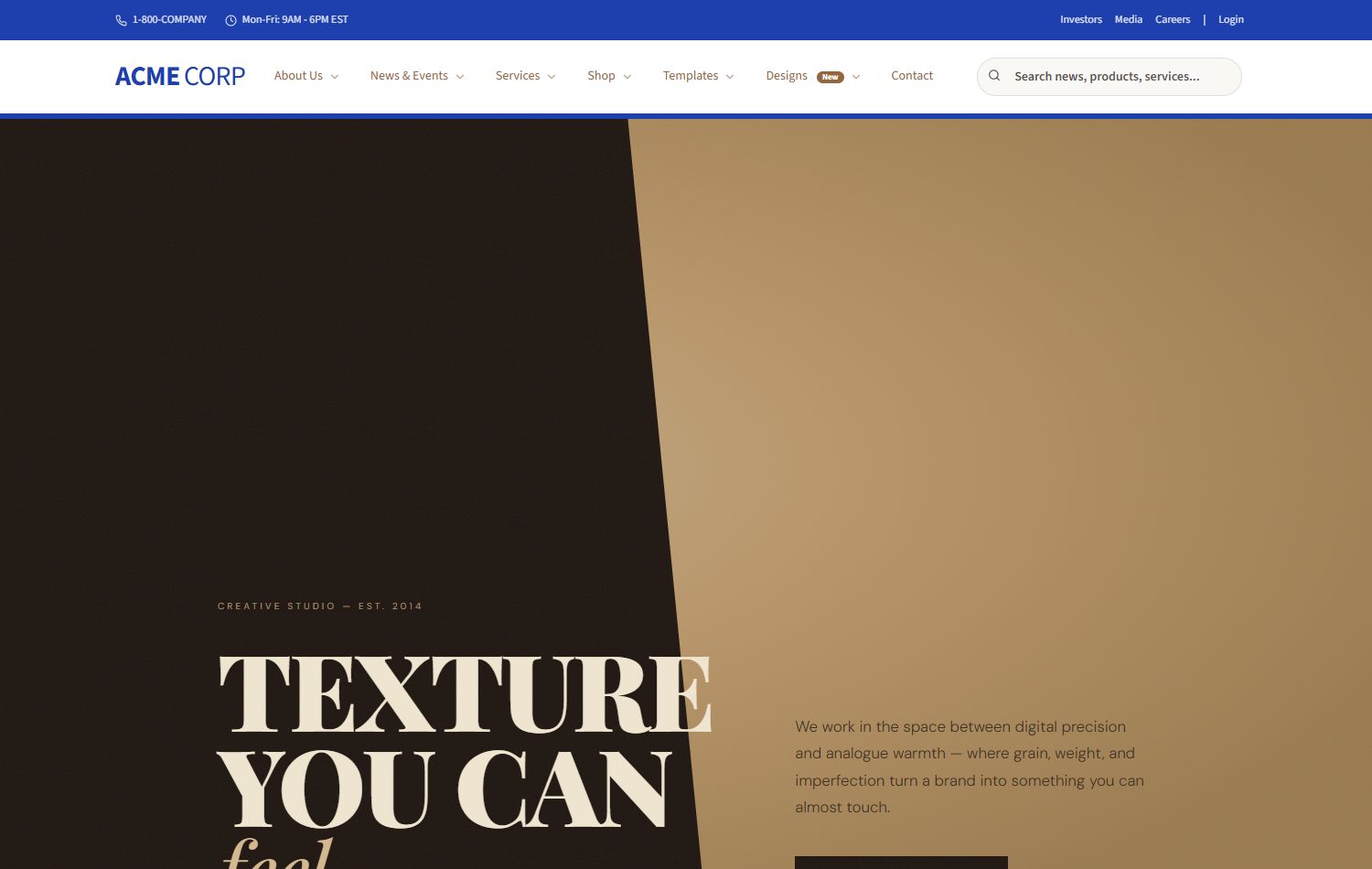
Grain Texture
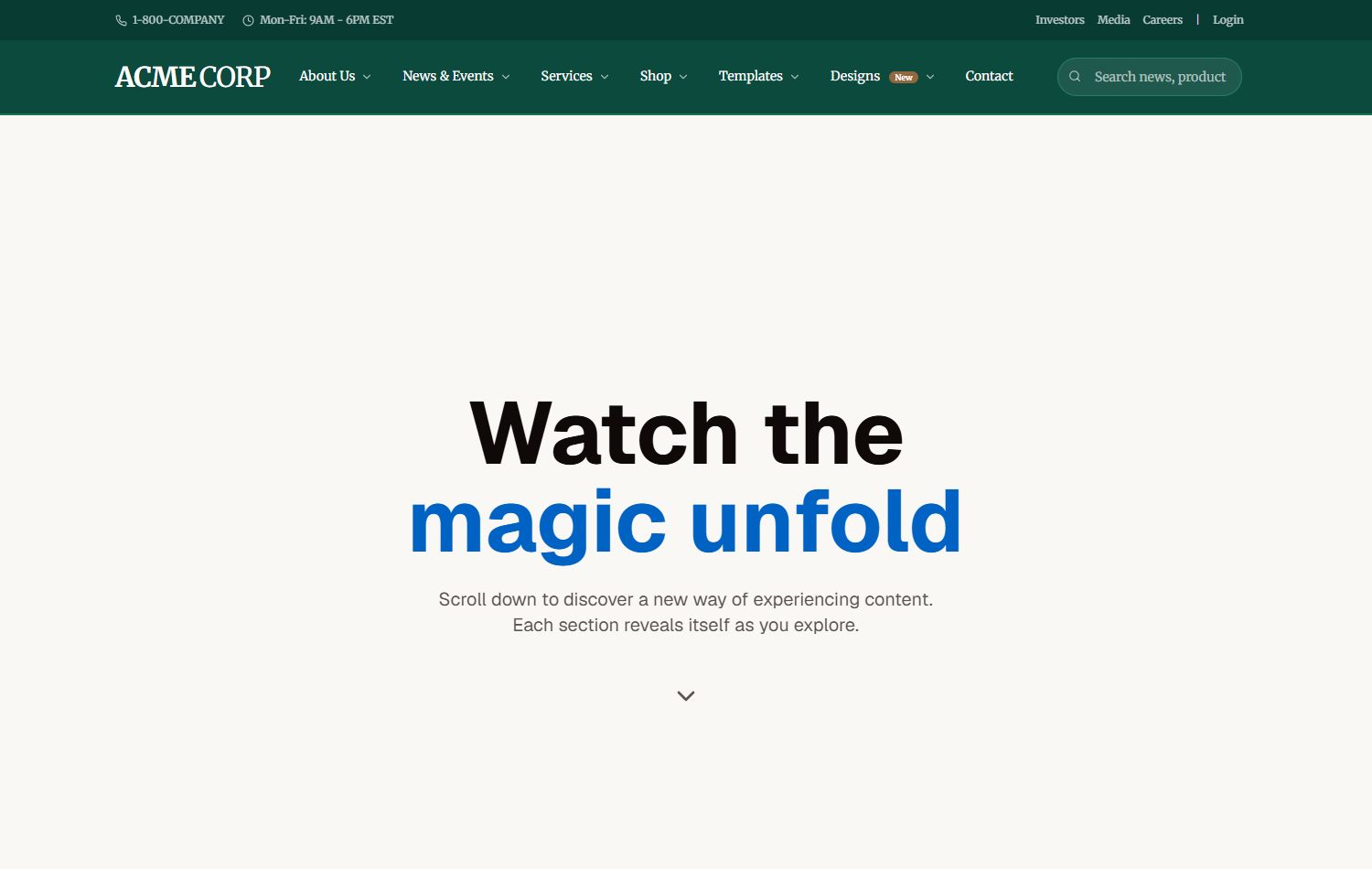
Scroll Reveal
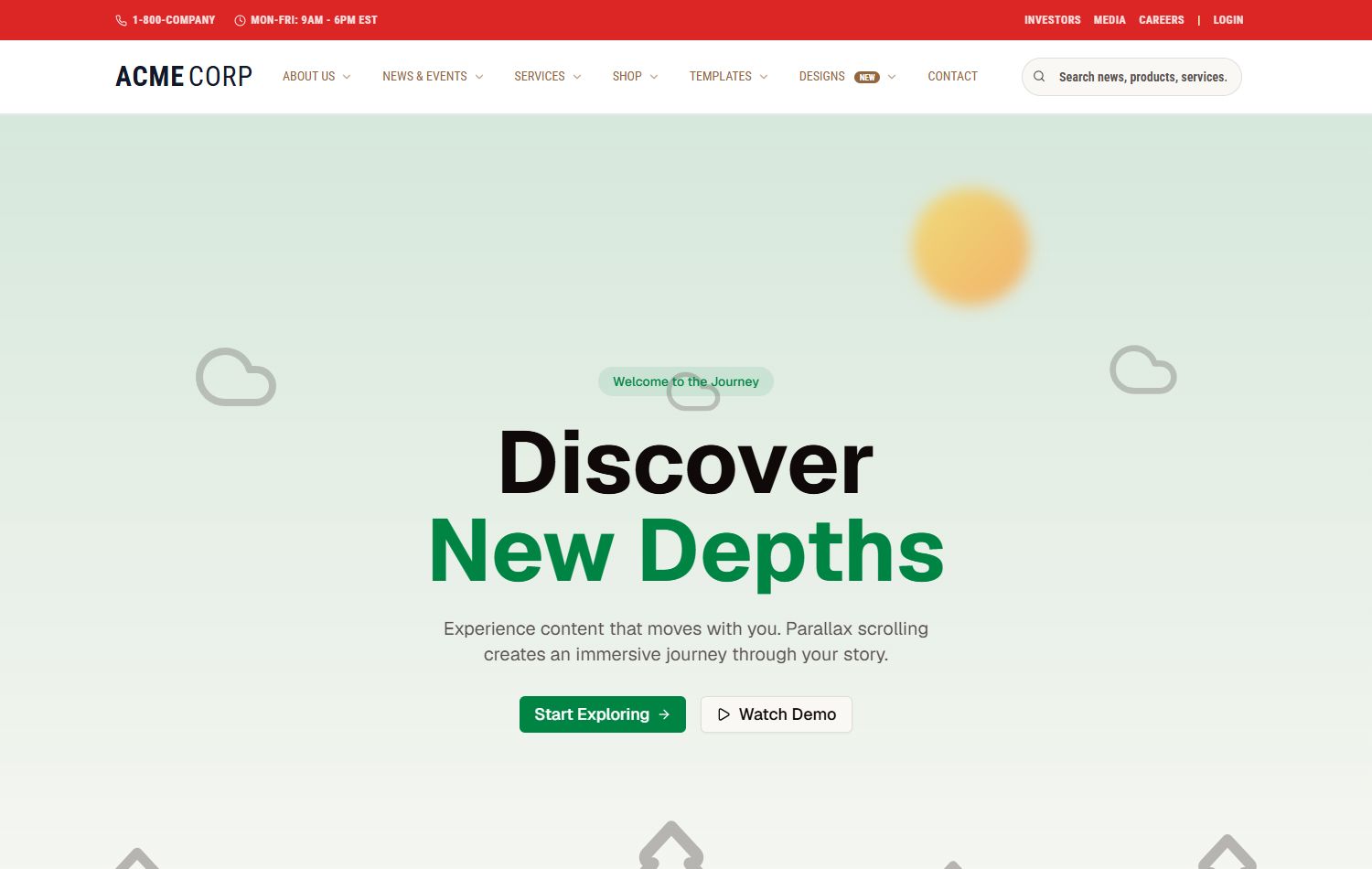
Parallax Layers
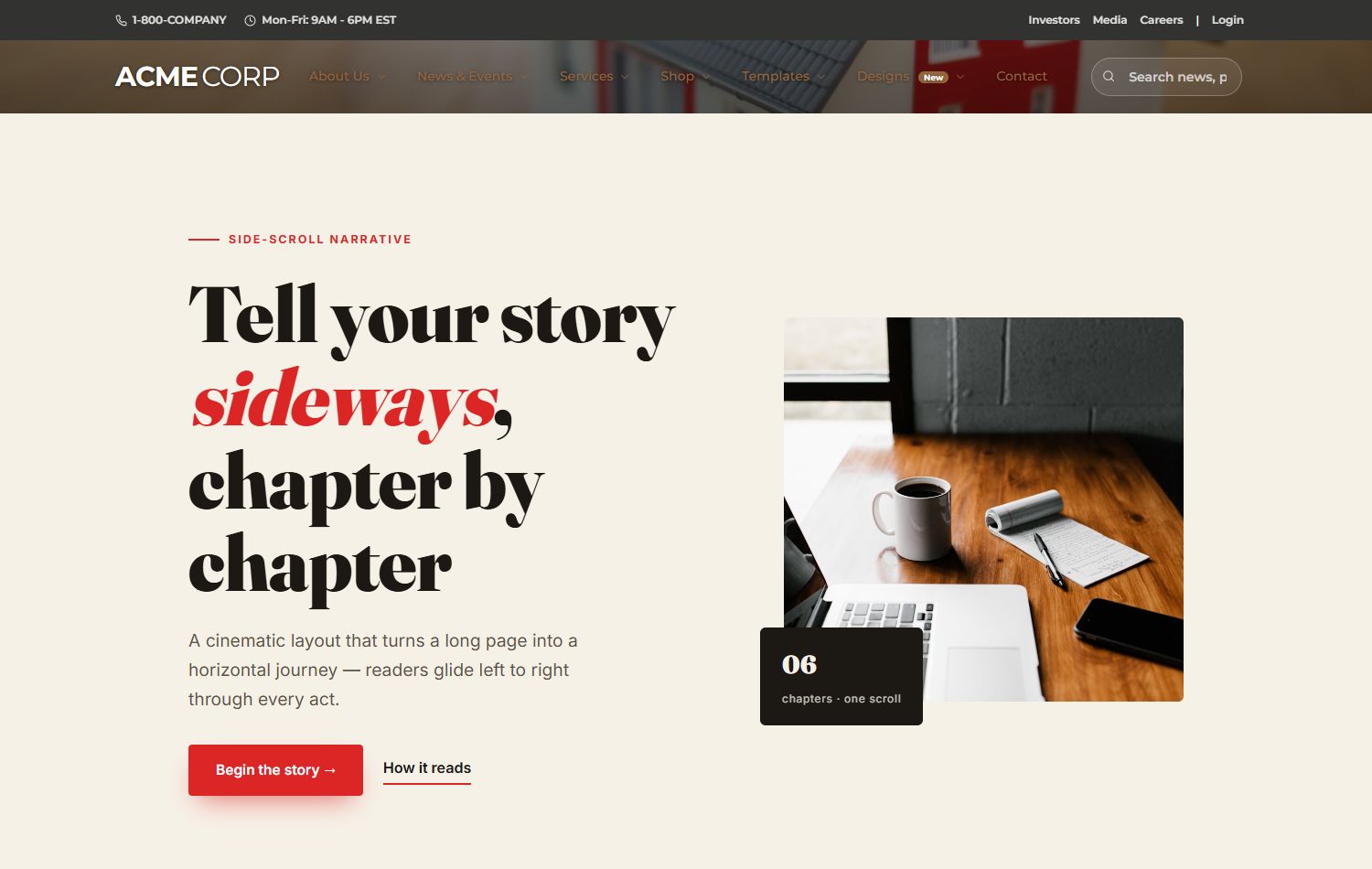
Horizontal Story
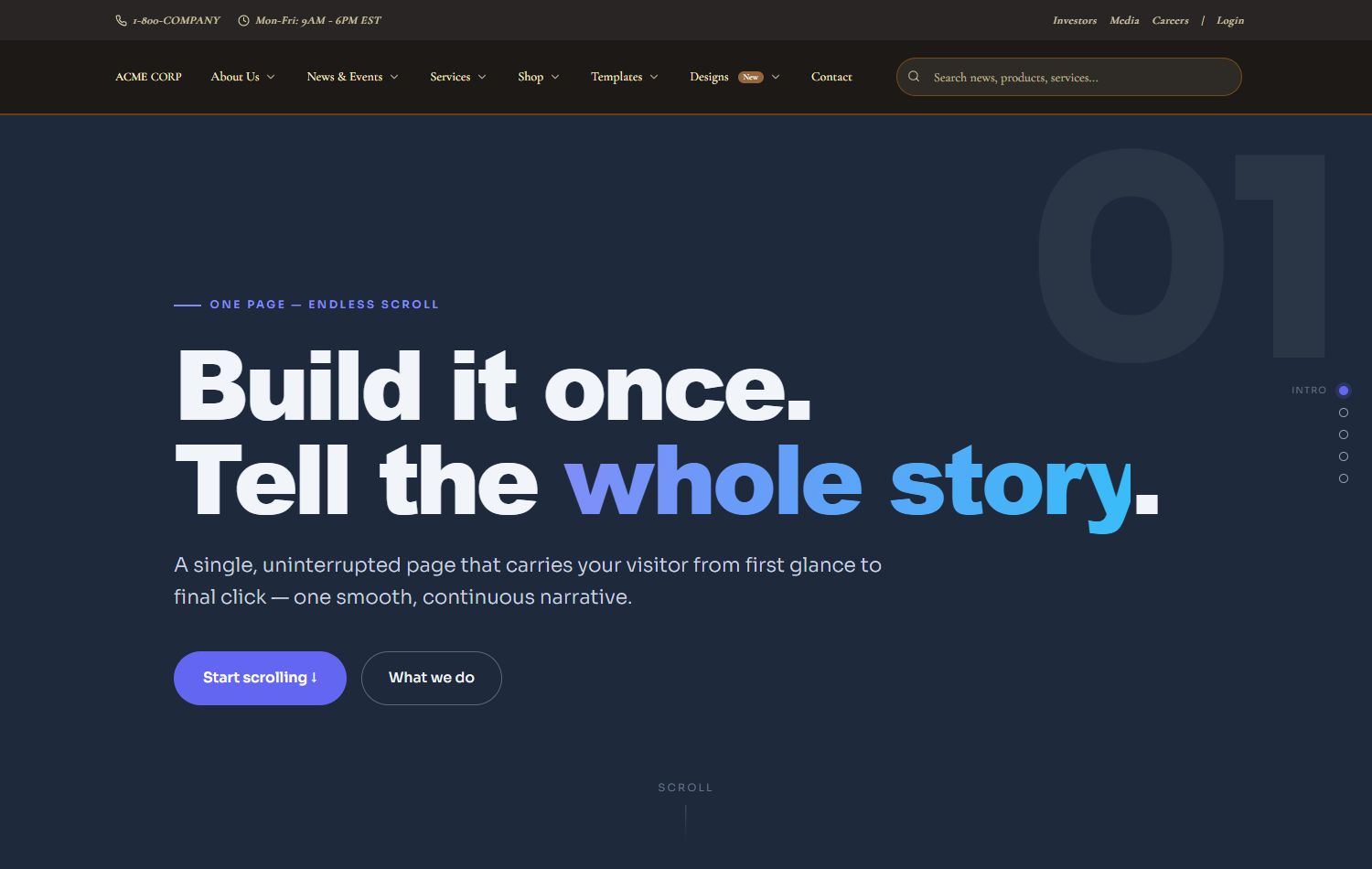
One Page Scroll
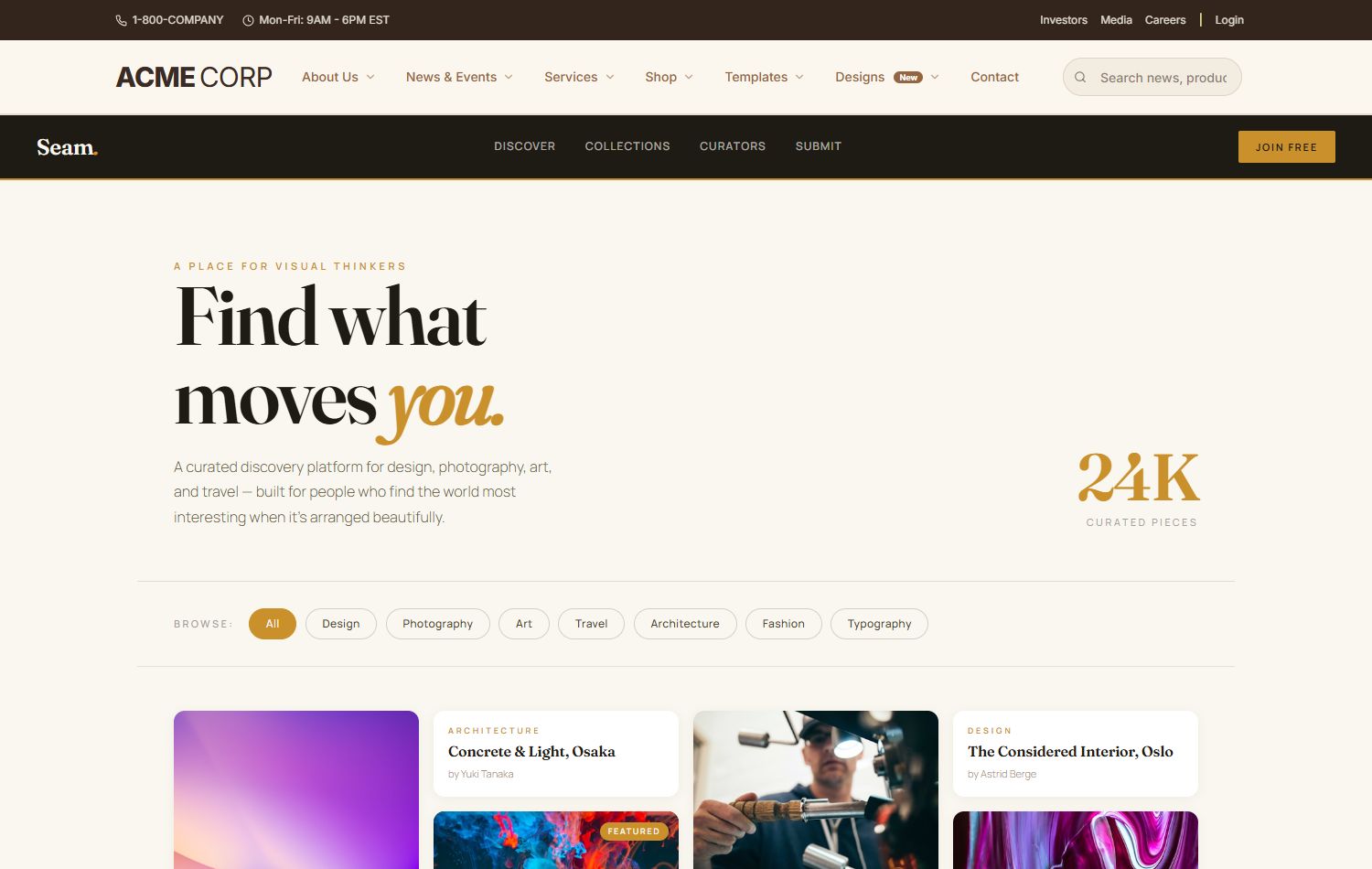
Masonry Flow
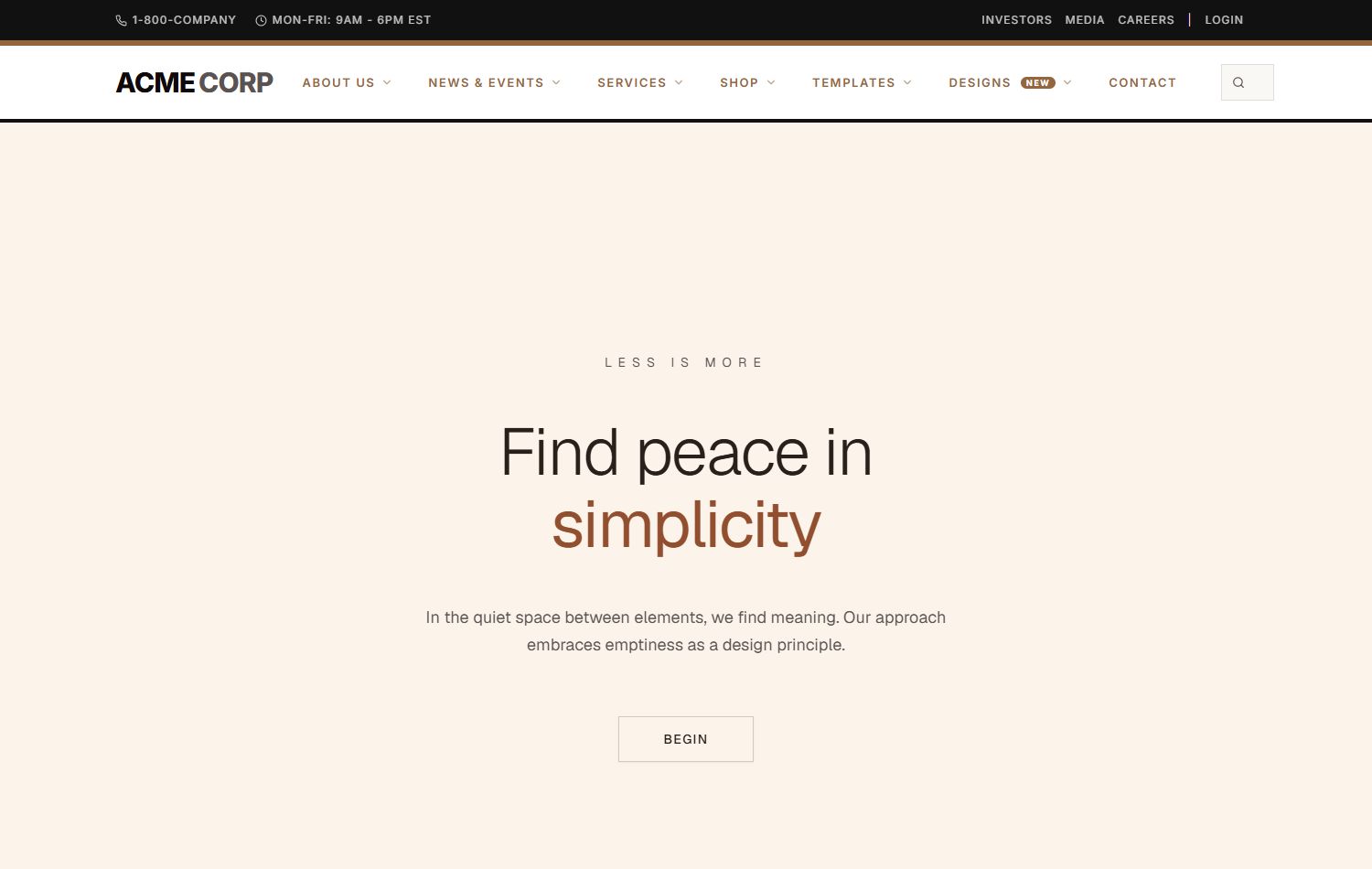
Zen Minimal
How to install
- Install CISS Navigation Suite first (upload
CISS.SideMenu_xx.xx.xx_Install.zip via Host → Settings → Extensions → Install Extension). The ACME skin uses the CISS DDR menu engine; it must be present before the skin is registered.
- Install ACME Skin (upload
ACMESKIN_Install.zip the same way). Brings the skin, the AcmeMega DDR style, AcmeXcillion containers, and Menu Builder bundle.
- Choose your starting layout in Persona Bar → Settings → Site Settings → Appearance:
AcmeSkin/default.ascx — fresh ACME design, ideal for new sites and demo buildsAcmeSkin/xcillion-compat.ascx — drop-in for portals running Xcillion (preserves all pane assignments)AcmeSkin/aperture-compat.ascx — drop-in for portals running Aperture
- Edit individual pages — click the red "Edit menu" pill in the eyebrow as a host to open the in-page Menu Builder; build out the menu, utility bar, and footer with thumbnails and saved presets.
- Or scaffold a whole site — in the Menu Builder, click "Build demo site" to generate 40+ template / design / showcase pages in one pass. Each page can be assigned its own skin variant (e.g. corporate-light, saas-dark, restaurant-elegant) via Page Settings → Theme.
Requirements
- DNN Platform 9.4.0 or higher (DNN 10.x fully supported)
- SQL Server (Express or higher)
- CISS Navigation Suite installed first
Live demo
https://dnndefender.com/acmecorp